Manual editing in the panel
An operator changes rates in the online panel, and the screen fetches the current board version after refresh.
DCR Online helps keep rates current on the screen without retyping data on every board. You can edit rates in the panel, refresh them automatically or import them from files through DCR Integrator.
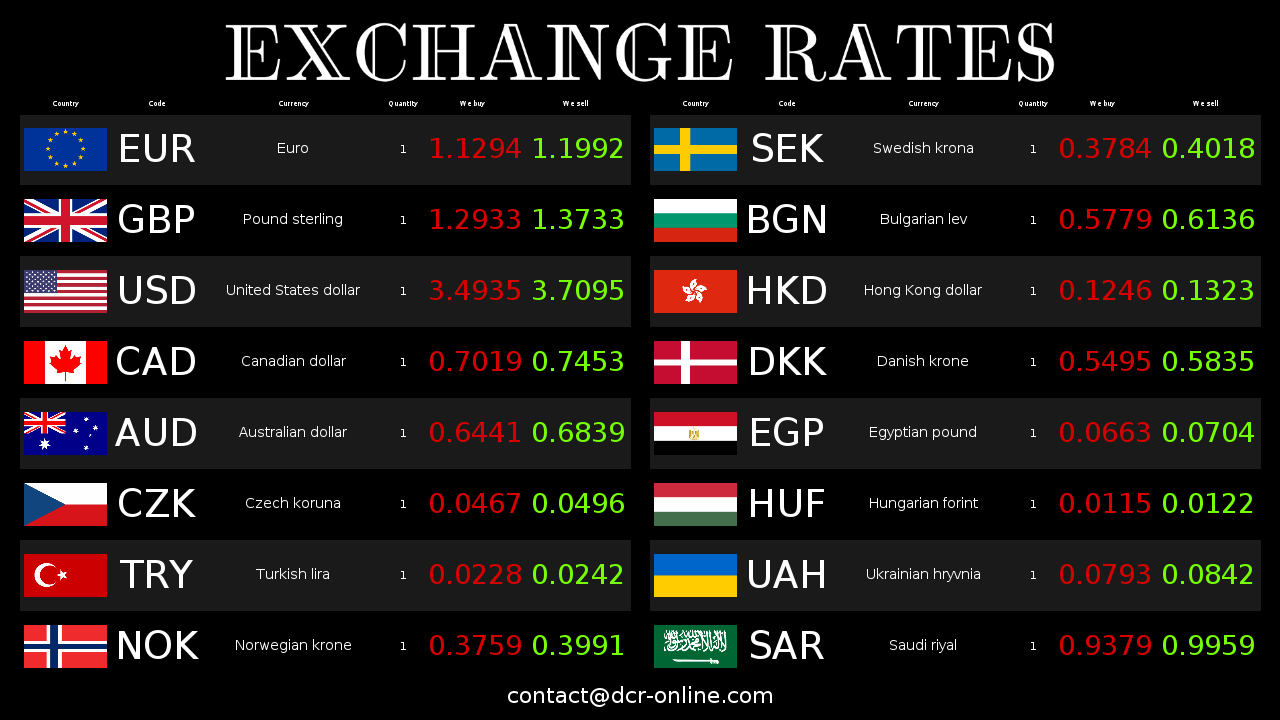
The system does not force one workflow. You can start with manual editing, use automatic average rates or connect the board to files generated by your current exchange office software.
An operator changes rates in the online panel, and the screen fetches the current board version after refresh.
If you display average rates, you can set automatic refresh even every 1 minute, depending on the plan.
DCR Integrator can read text files prepared by an external system and send rates to the board.
CSV files work well when your exchange office software exports an ordered table of currencies, buy rates and sell rates.
The integrator also supports XML and HTML formats, making it easier to connect different data sources.
After changing rates, you can display the same current data on several paired screens or in different locations.
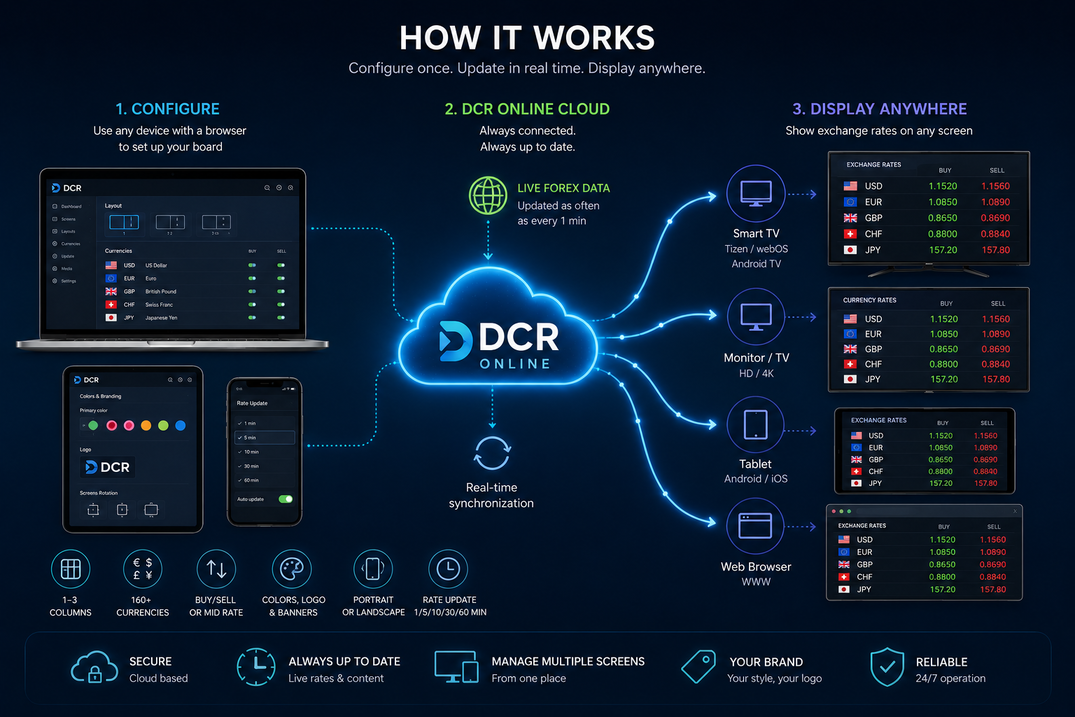
DCR Online separates rate management from the screen itself. The operator works in the panel or current software, while the board on a TV, monitor or tablet shows the ready customer view.
The main benefit is less manual work while keeping control over what the customer sees on the board.
Rates do not need to be entered separately on every screen. You change them in one place or import them from your current system.
Automatic data retrieval reduces typos, swapped digits and differences between the board and the source system.
Several counters or locations can use the same rate configuration managed from the online panel.
When a rate changes, the board can show the current value faster without separate work on the display device.
Manual editing is still useful, but with frequent changes, several screens or exports from exchange office software it is better to base the board on one controlled data flow.
| Area | Manual rate retyping | DCR Online with automation |
|---|---|---|
| Work time | Every change requires entering data manually and checking the screen. | The rate goes to the panel or integrator, and paired screens fetch the current board. |
| Error risk | It is easy to make a typo, mix up buy/sell columns or leave a screen outdated. | There is one data source, and manual corrections are made deliberately in the panel. |
| Several screens | Each screen or location may require a separate update. | Screens paired with the account use the current online configuration. |
| Software integration | Rate exports often end with manual copying of data to the board. | DCR Integrator reads TXT, CSV, XML or HTML files and sends rates to the board. |
| Appearance control | Data updates are not always paired with convenient presentation changes. | Rates, currency order, colours, logo, banners and screen layout are configured in one system. |
You can start with a simple test without rebuilding your current process. First configure the board, then choose the data source.
Create a DCR Online account, choose currencies and check how the board looks on your screen.
Set manual editing, automatic average rates or file import through DCR Integrator.
Connect a TV, monitor or tablet to the account and check whether updates reach the board as expected.
Create an account, choose the rate source and test a current currency board on your own screen for 30 days free.