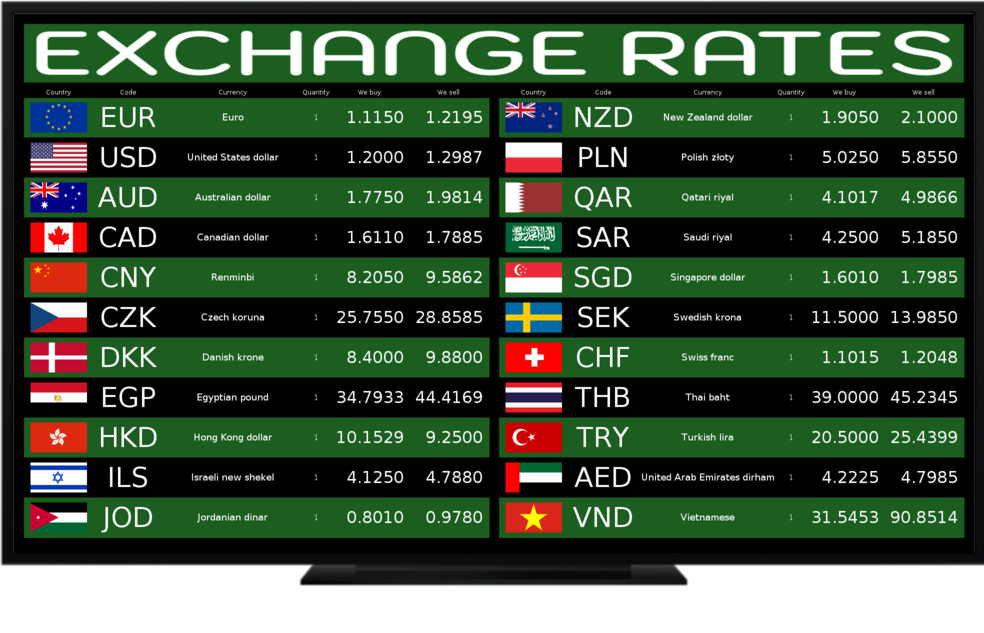
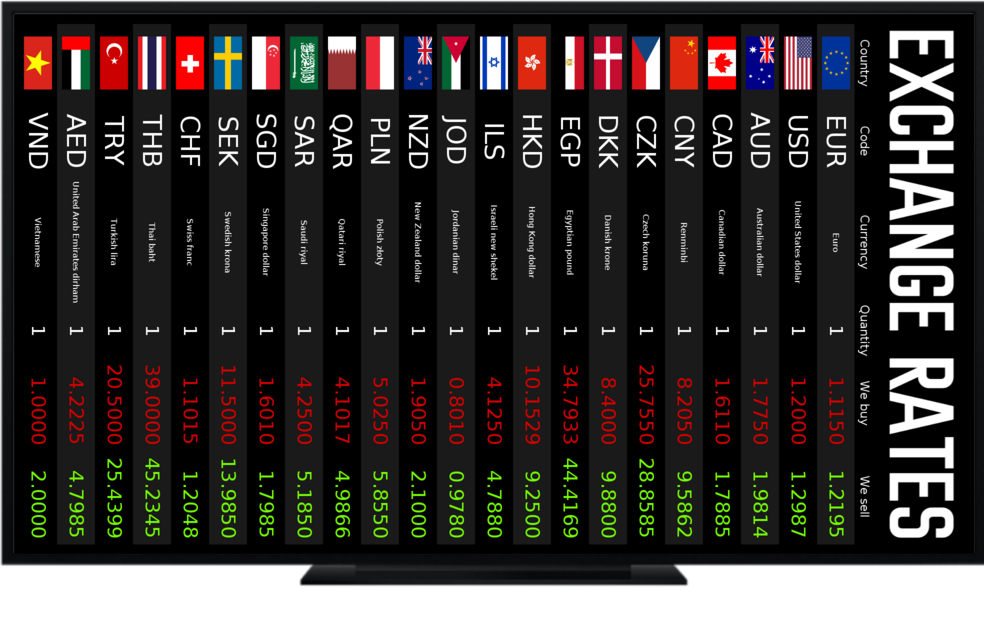
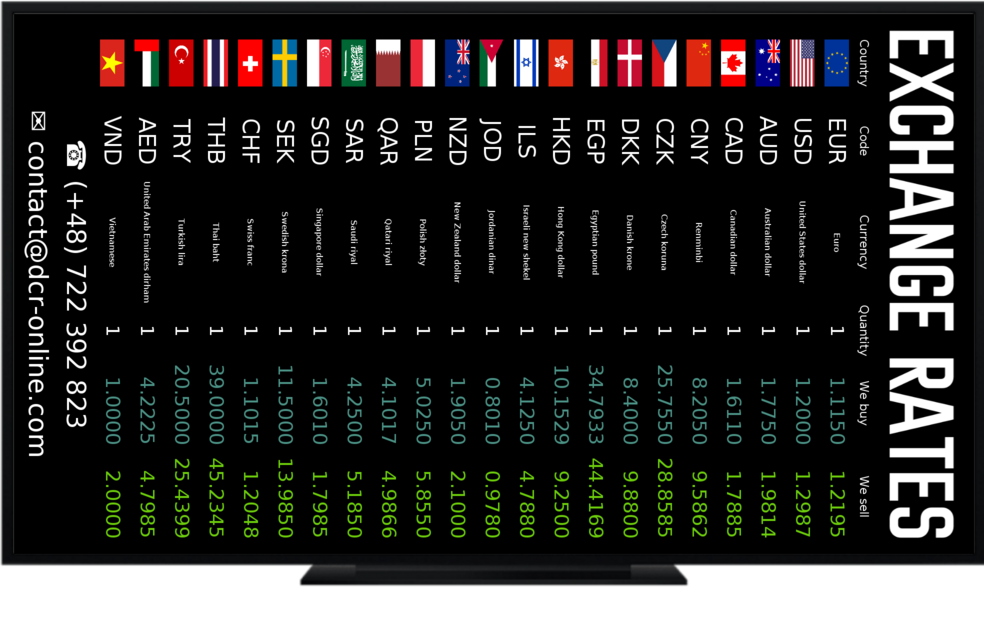
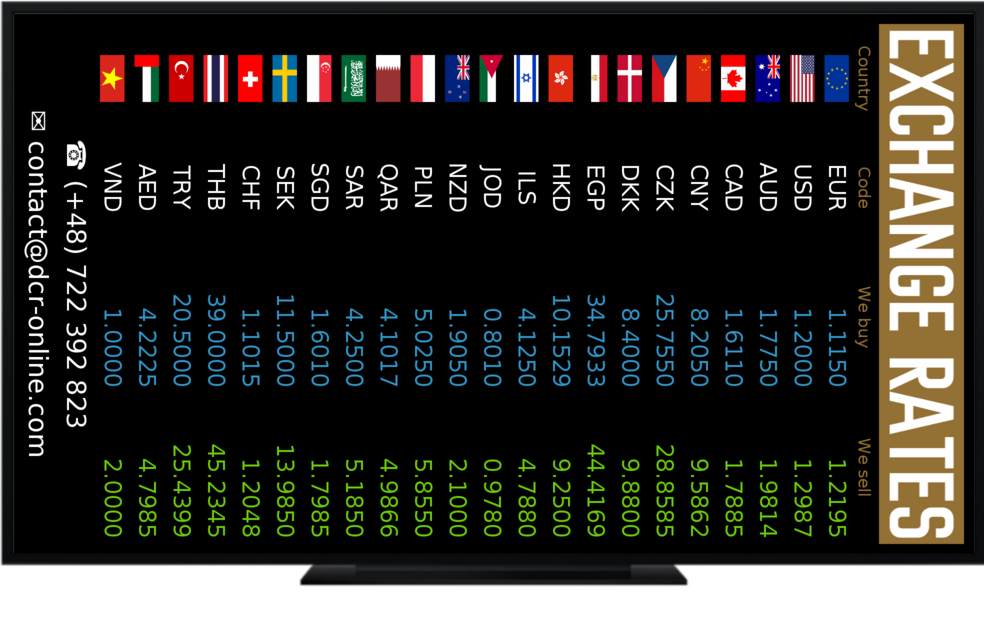
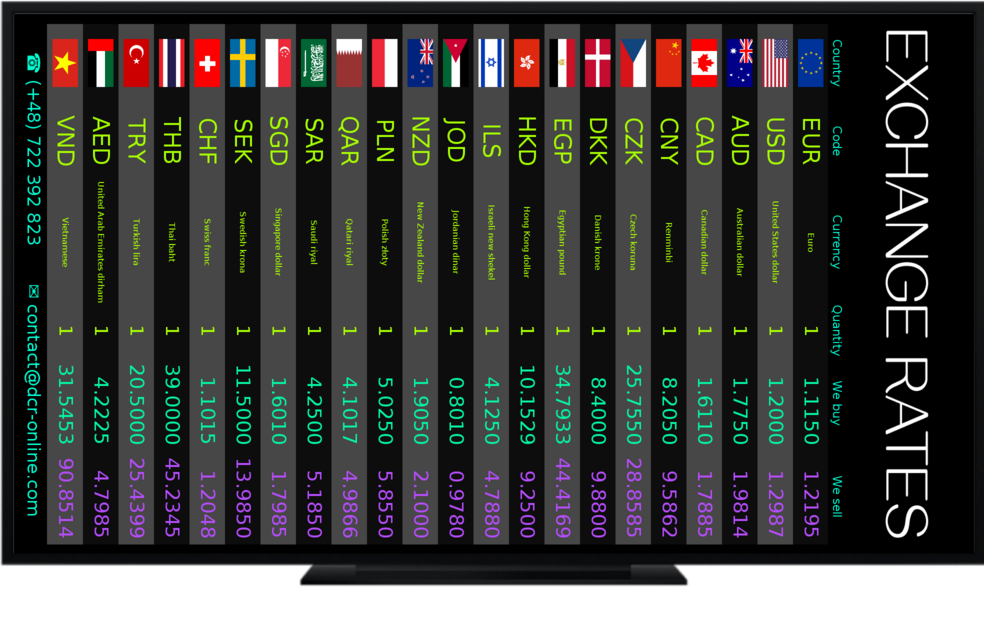
160+ currencies • mid-rate refresh from 1 min • white-label

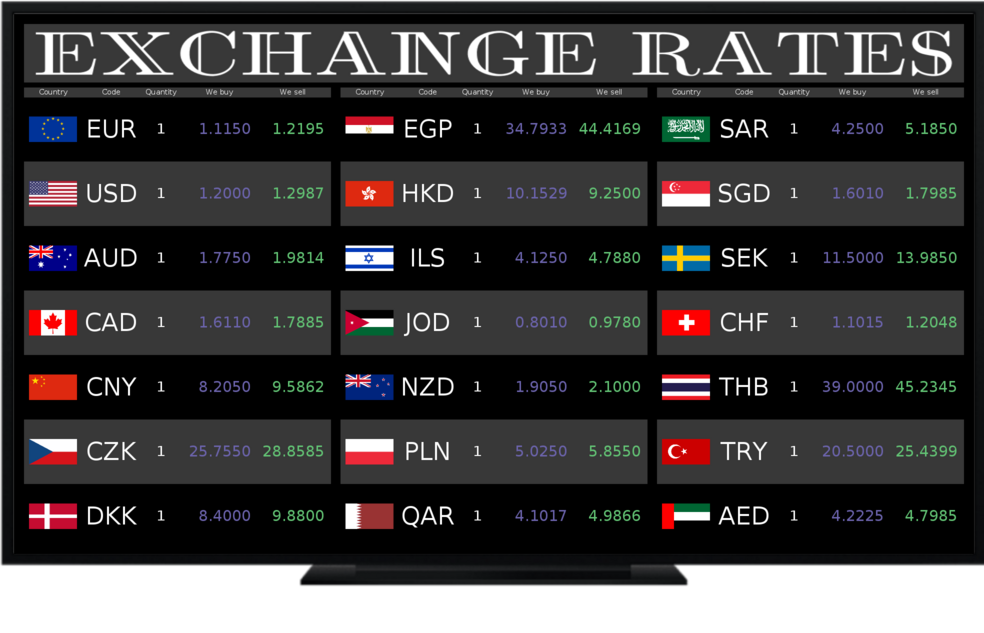
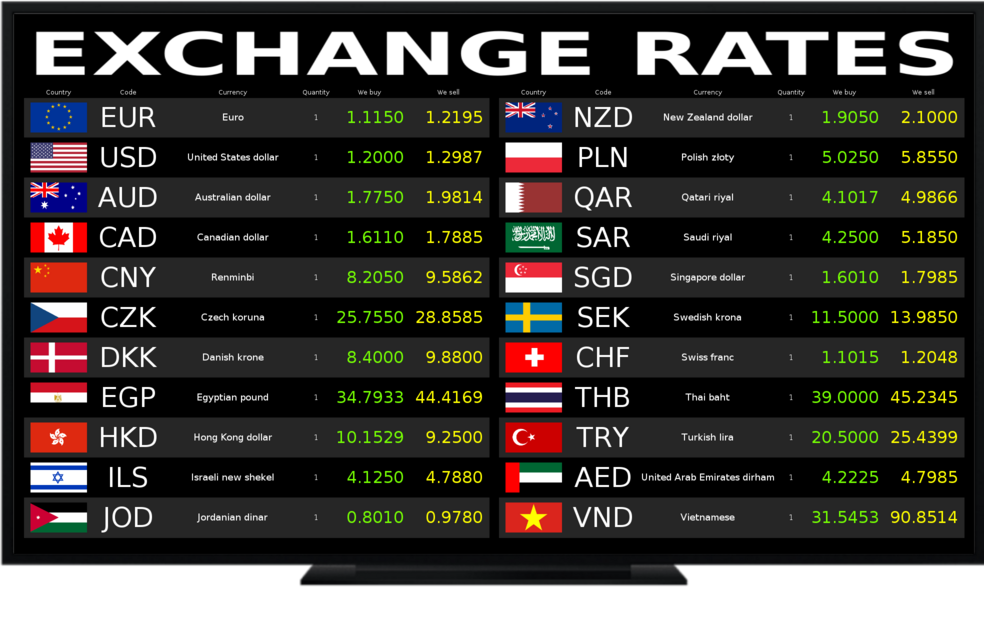
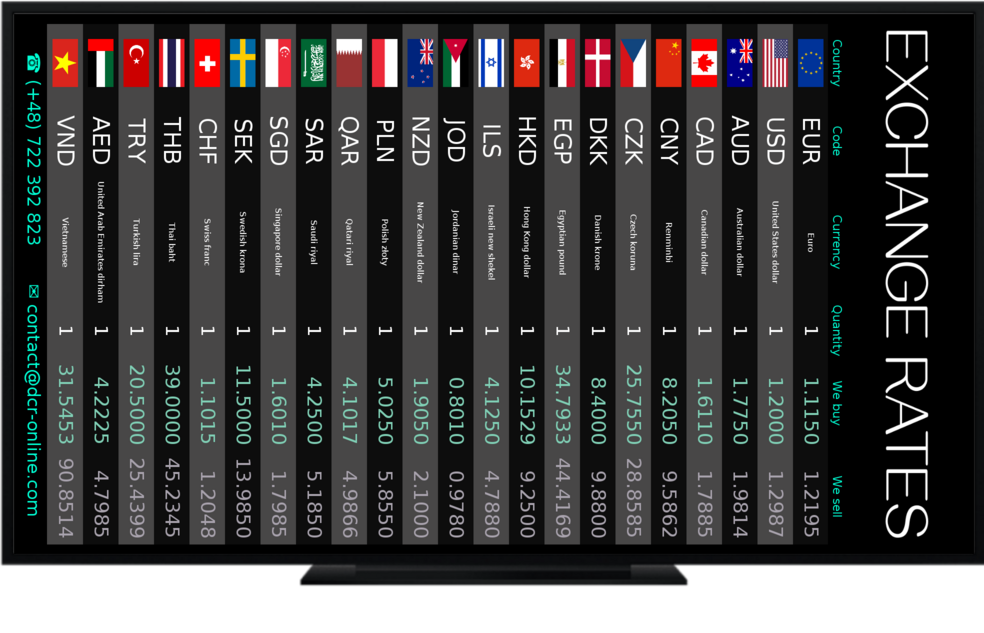
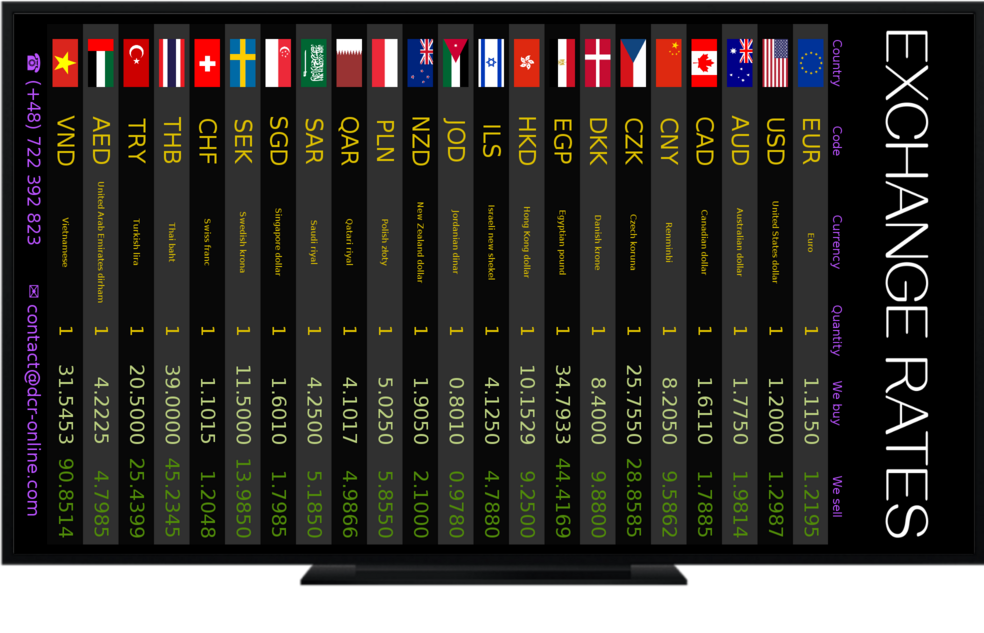
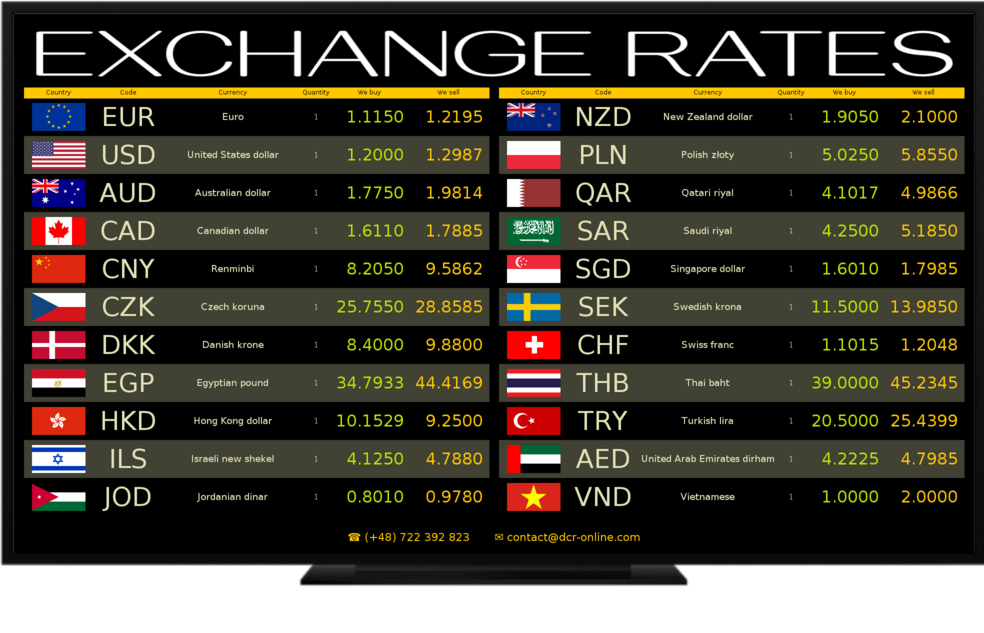
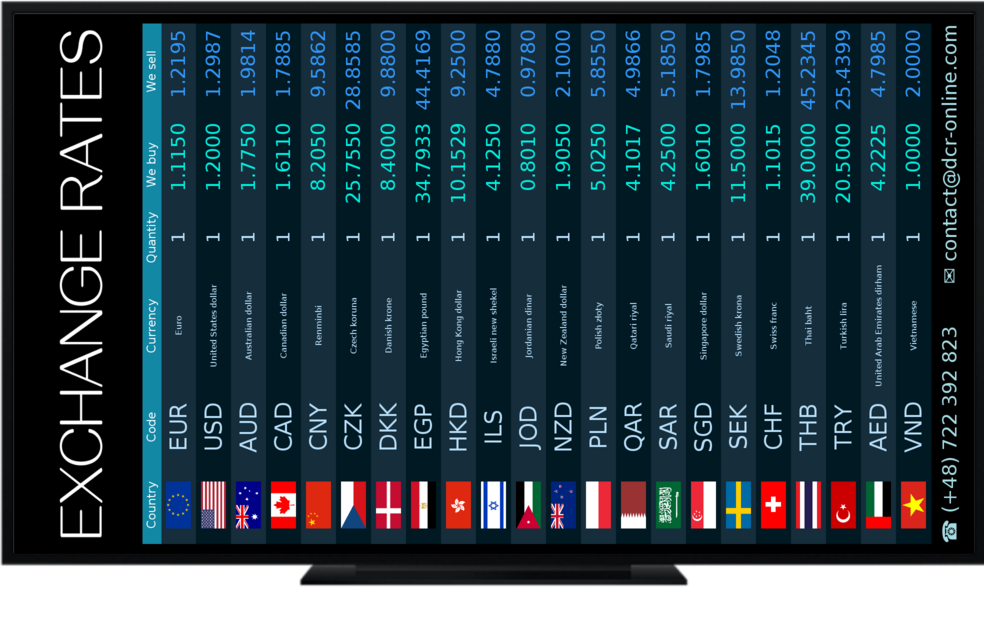
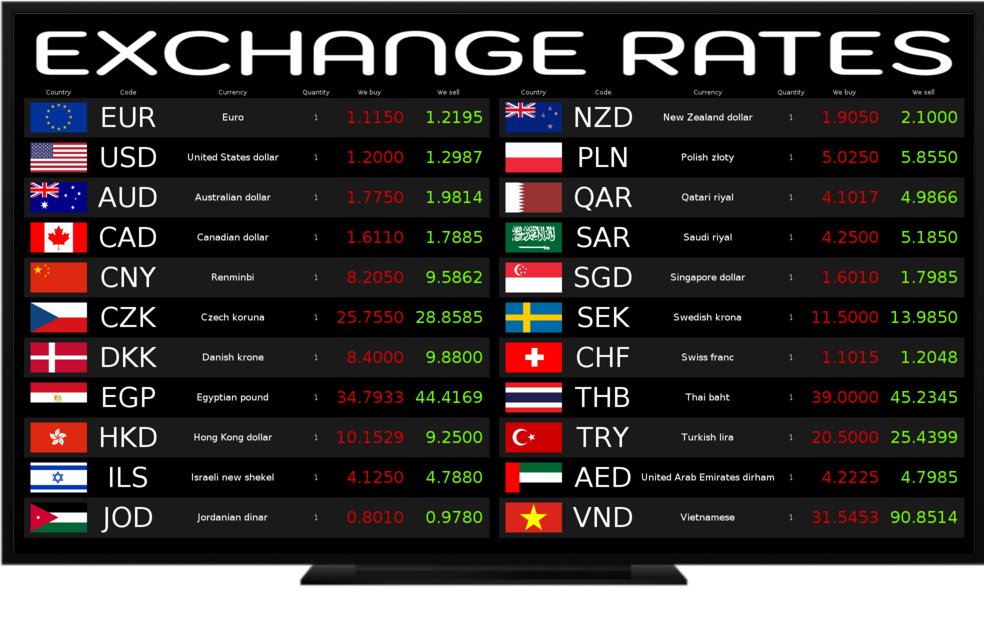
Currency rate boards displayed on TV, tablets and in the browser of any device – fully configurable

Display mid-rates or buy/sell rates, show only the ones you need, brand the colours, rotate screens, add banners and footers. Works on Android TV (also tablets), Tizen, WebOS and in a web browser.

Installation in minutes • Pairing like in TV apps • Panel in 10 languages
Android TV LG webOS Samsung Tizen Web browser

Why Display Currency Rates?

Colour screens attract attention and improve conversion. Our system combines readability, automation and branding — all in the panel after logging in.

Updates from every 1 min

Mid-rates from providers; the user selects the interval 1/5/10/30/60 min.

Mid-rate or buy/sell

Automatic scaling of mid-rates into buy/sell rates (multipliers, +/−), manual adjustments.

Full branding

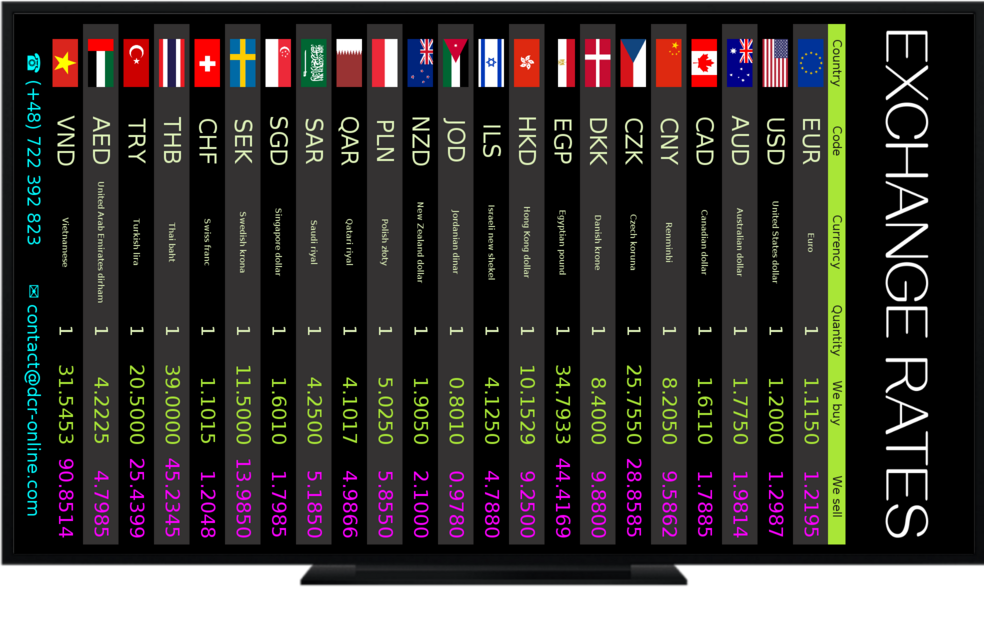
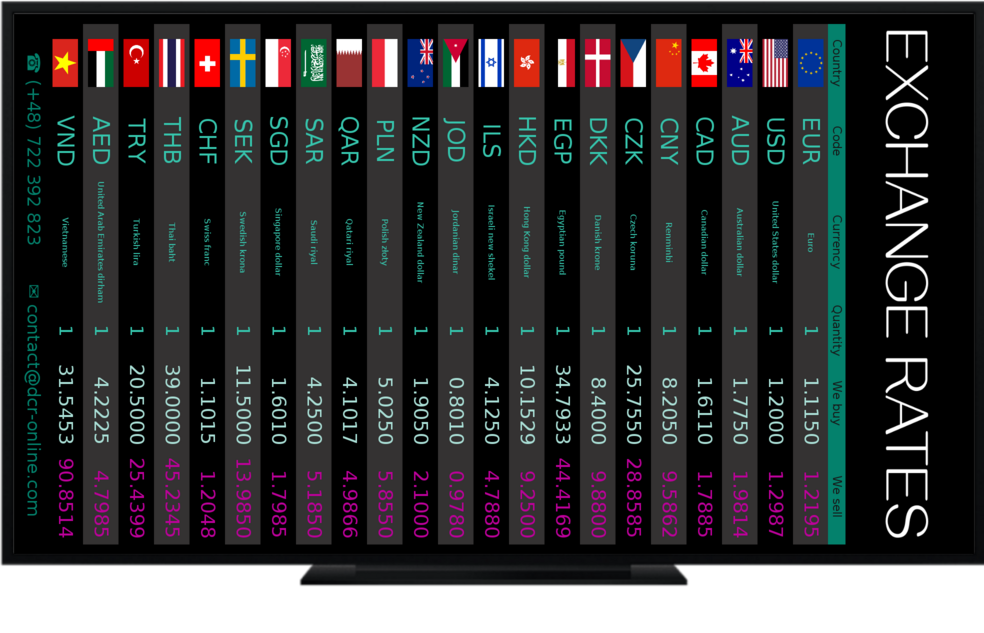
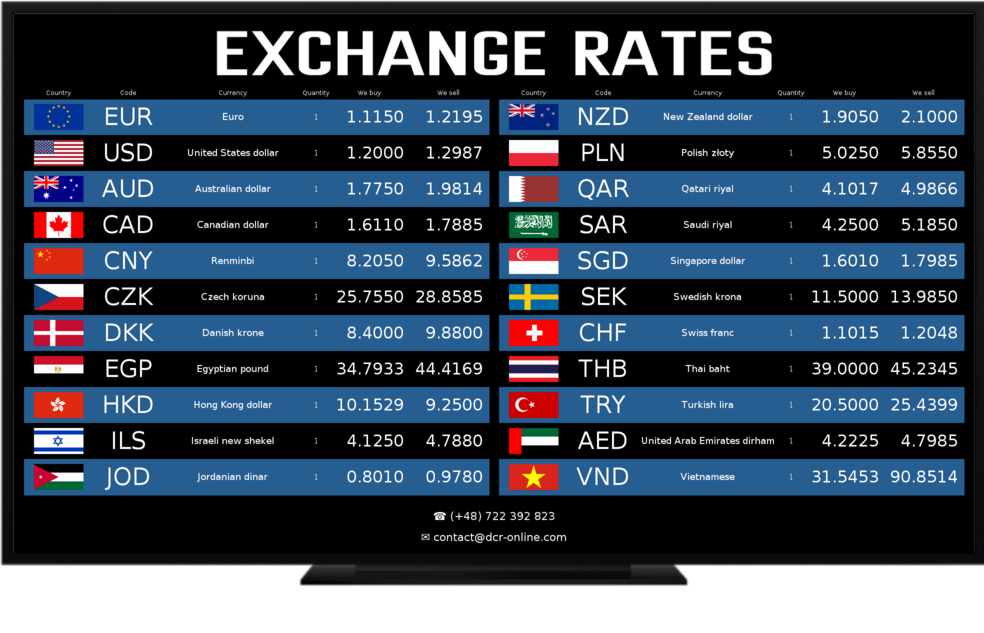
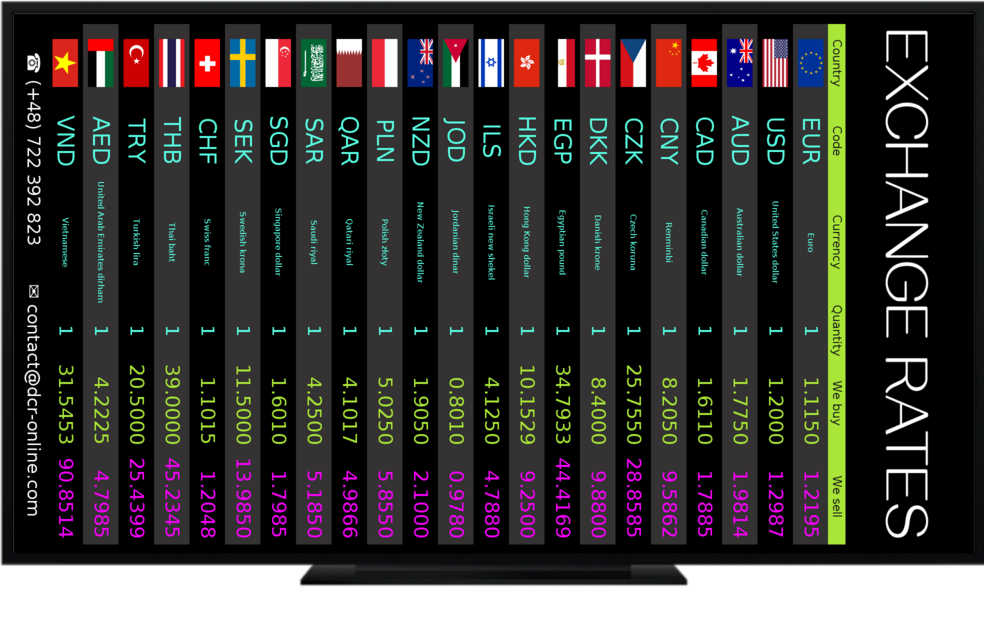
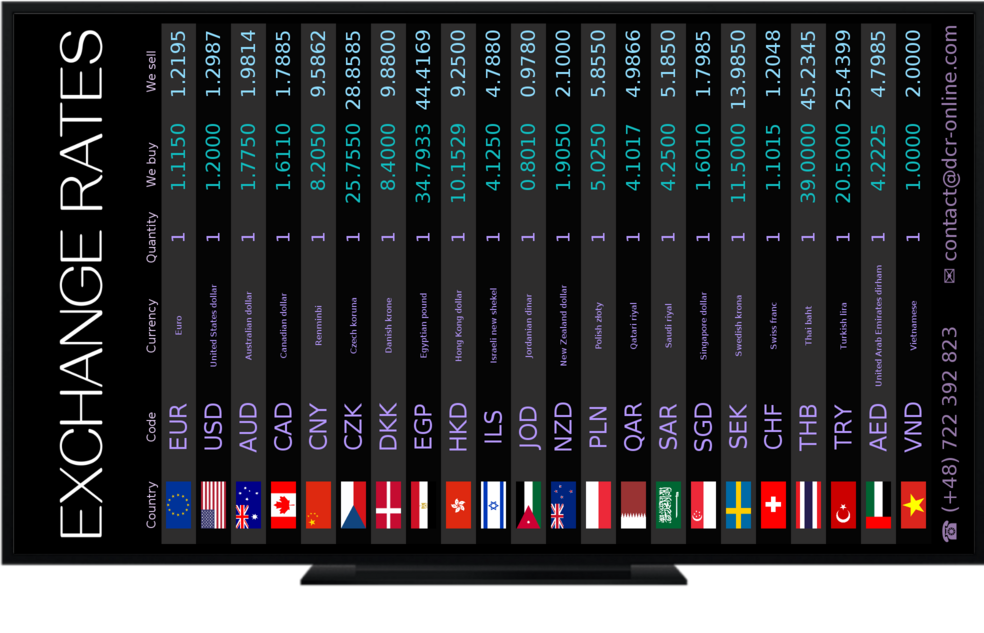
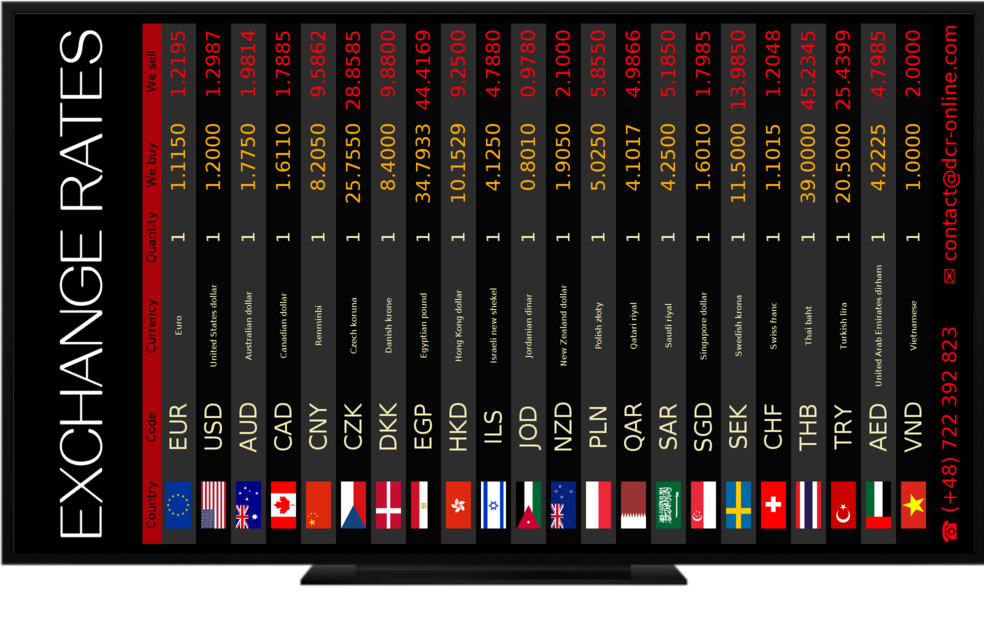
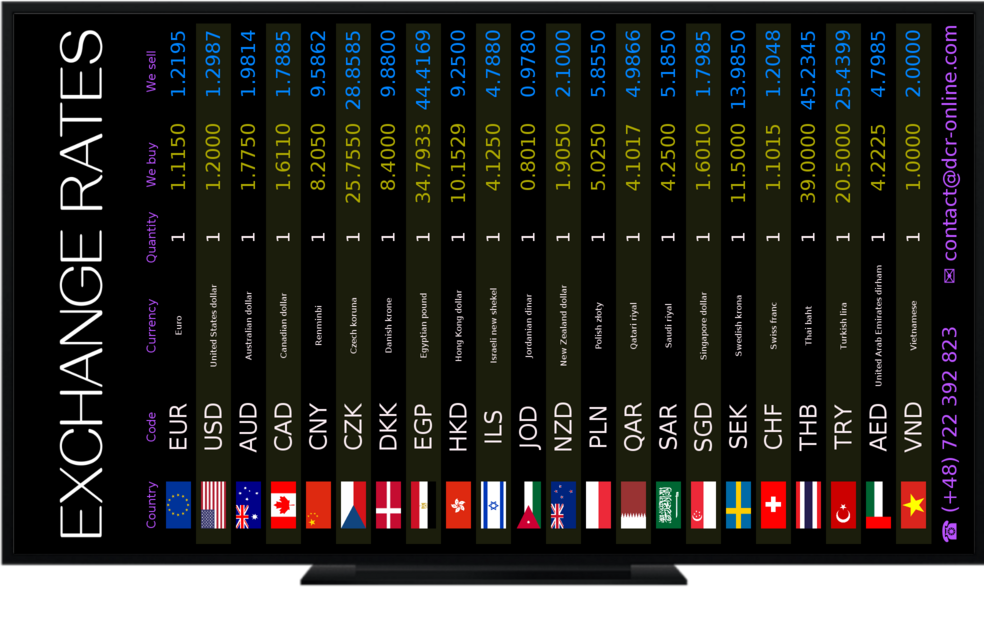
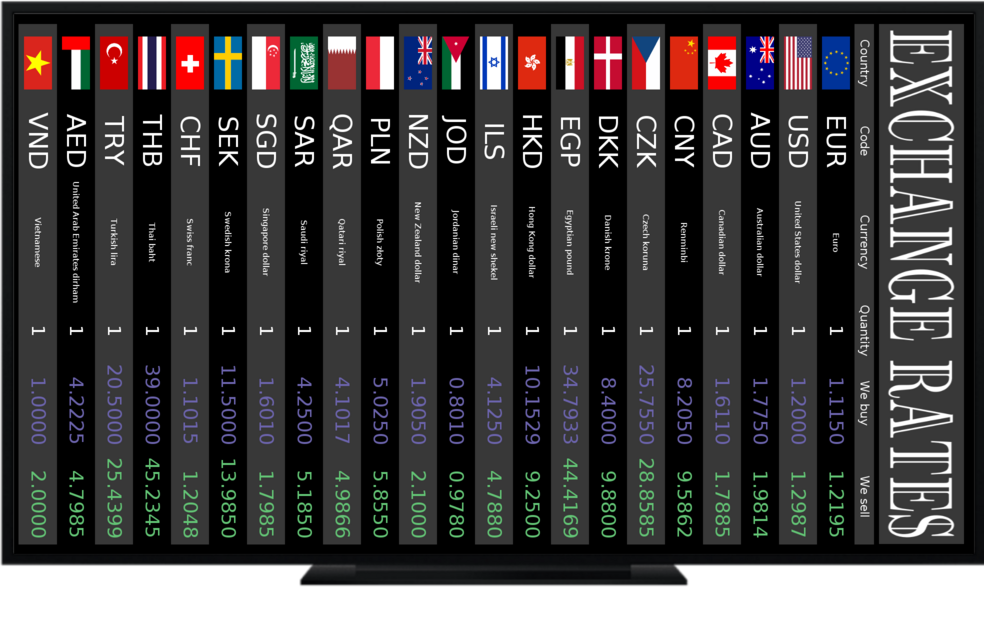
Colours (HEX), banners and backgrounds, column visibility, 1–3 column layouts, 0°/90°/180°/270° rotations.

TV + browser + tablets

Apps for Android TV, WebOS and Tizen plus browser mode at /tv.

160+ currencies

Selection and order, custom names/descriptions, quantities 1/10/100/1000/10000, precision 0–5 places.

DCR Integrator (Windows)

Automatic import of rates from TXT/CSV/XML/HTML files to the board. On-the-fly conversion to the displayed quantity.

Appearance configuration – details

  • Any resolution – even down to the pixel (perfect fit to the screen).
  • 1/2/3 column layouts; 0°/90°/180°/270° rotation (portrait/landscape/pivot).
  • Element visibility: headers, quantity column, currency name column.
  • Percentage column widths: flag, code, currency name, quantity, buy, sell/mid.
  • Adjustable margins inside table cells.
  • Display precision: 0–5 decimal places.
  • Base quantity: 1 / 10 / 100 / 1000 / 10000.
  • Banners: ready-made templates + upload of your own (scaling, fill, transparent background, proportions).
  • Footer: up to 3 lines of any text, optional last update timestamp.
  • Any colours (HEX) + ready-made themes.

Use cases

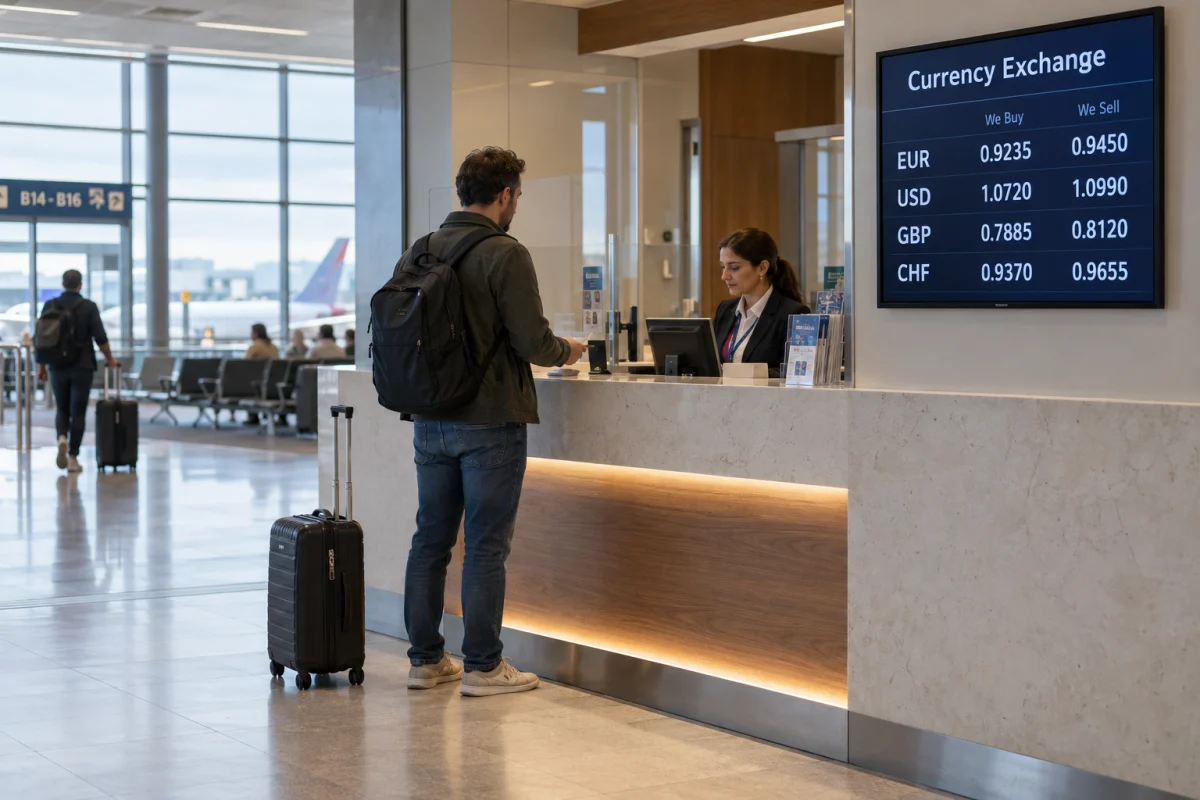
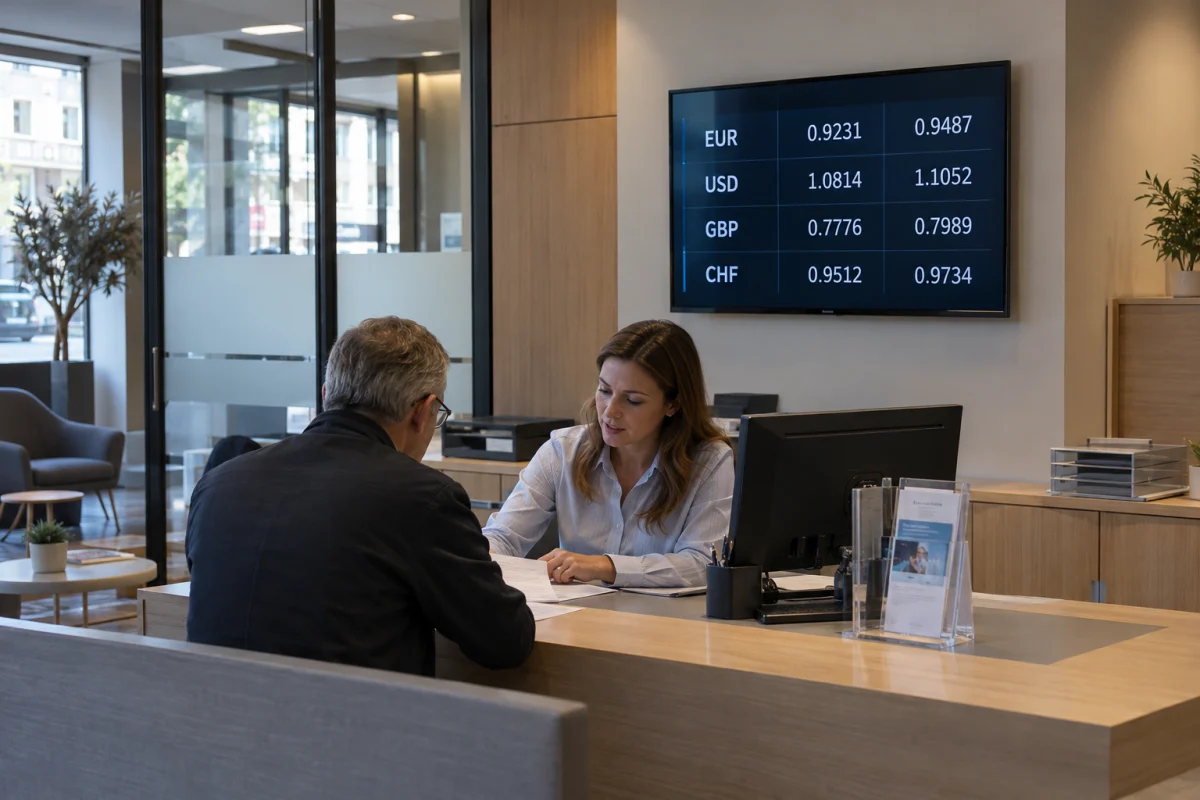
Exchange offices, airports and ports

  • Buy/sell mode
  • Automatic update based on mid-rates
  • Automatic update based on the integrator
  • Manual update
Check pricing

Banks and financial institutions

  • Cash rates or FX rates
  • White-label and brand consistency
  • Manage multiple locations/screens from one place
  • Integration with headquarters
Check pricing

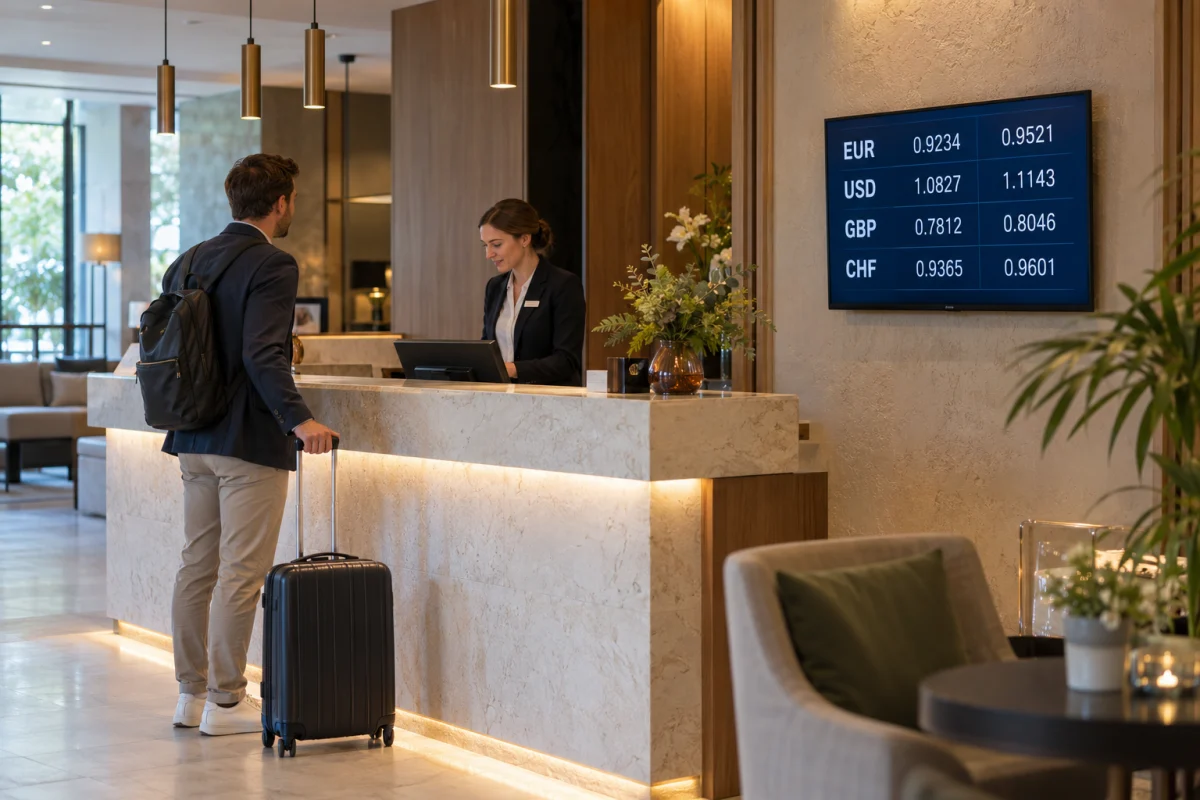
Hotels, tourism and travel agencies

  • Clear mid-rates for guests
  • Multi-column layout in the lobby, vertical screens
  • Branding in the style of the hotel/travel agency
Check pricing

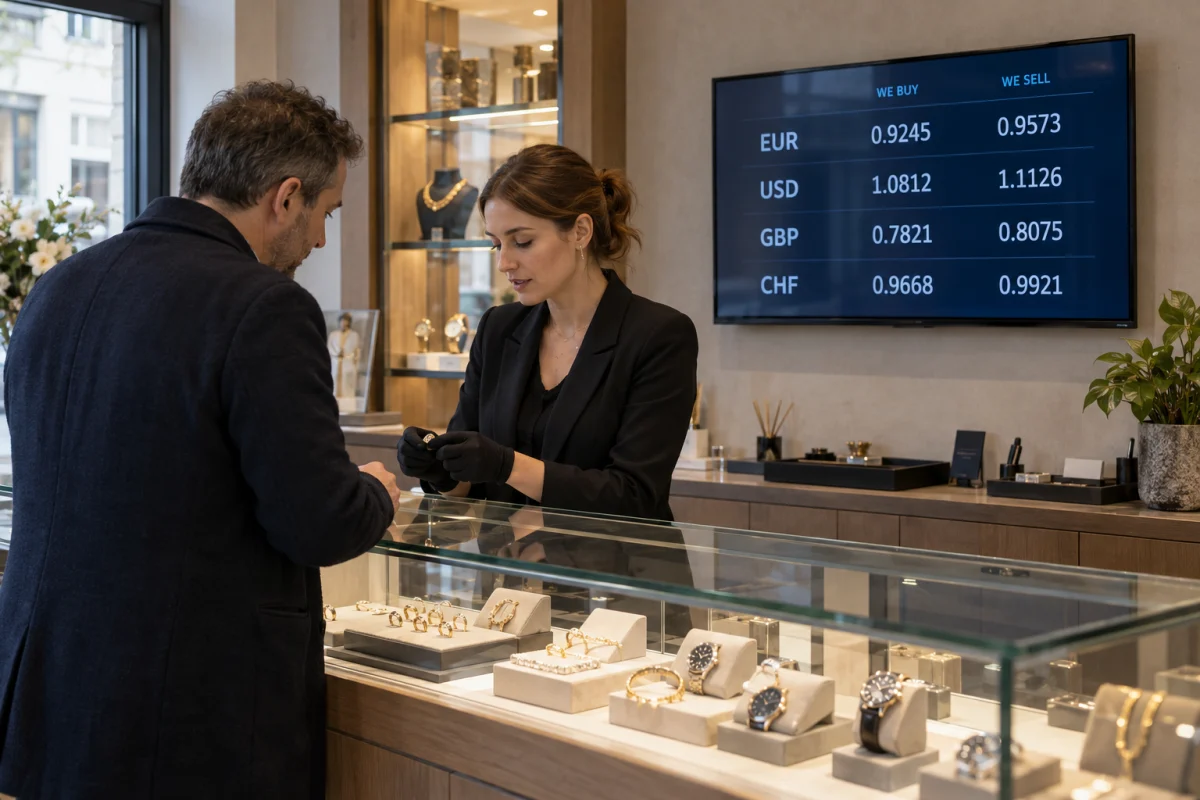
Pawn shops, retail chains, jewellery stores

  • Rates for tourists at tills
  • Colour screens that attract more attention
  • Combined with product advertisements
  • Simple multi-column layouts
Check pricing

How does it work?

  1. Create an account and pair the screen (Tizen/WebOS/Android TV or a computer monitor via WWW).
  2. Choose a 1–3 column layout, select currencies (from 160+), set descriptions and quantities.
  3. Enable mid-rate or buy/sell mode (adjusted manually or automatically).
  4. Configure colours, logo, banners and screen rotations (vertical / horizontal).
  5. Set the Forex mid-rate refresh frequency: 1/5/10/30/60 min.
At any time you can apply manual adjustments or disable seasonal currencies.
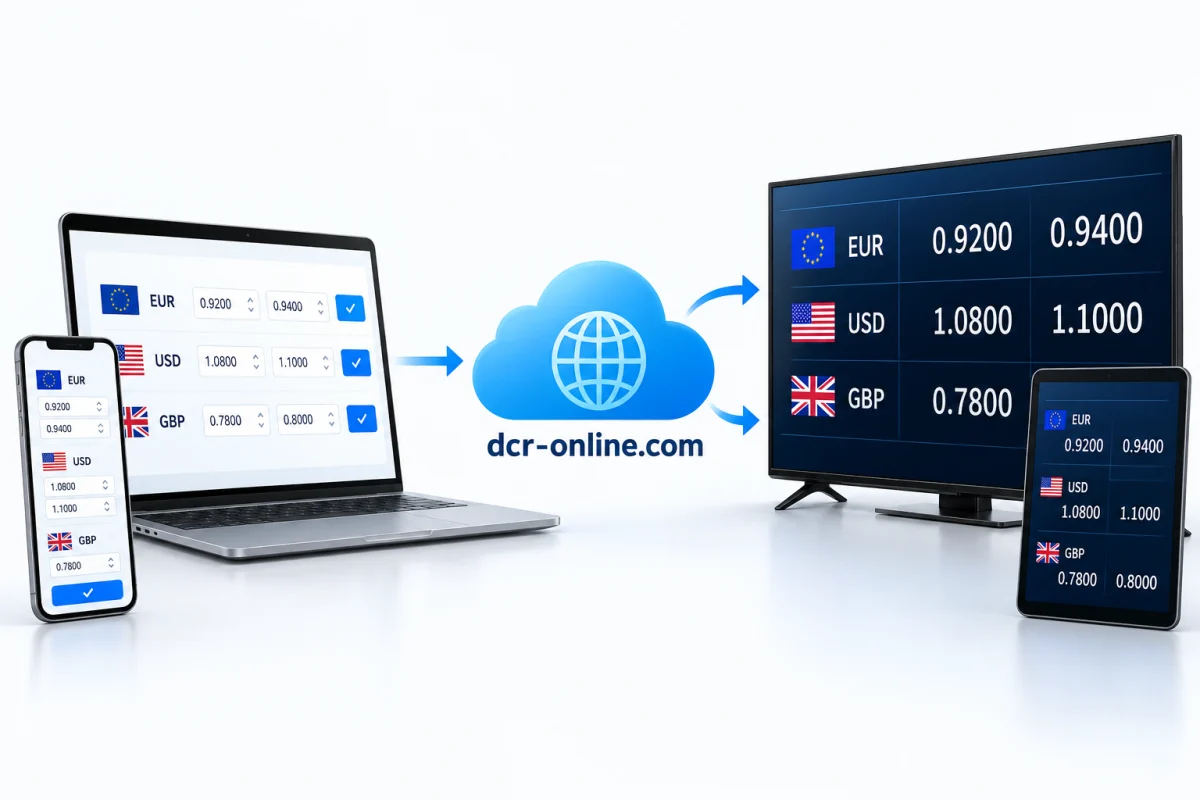
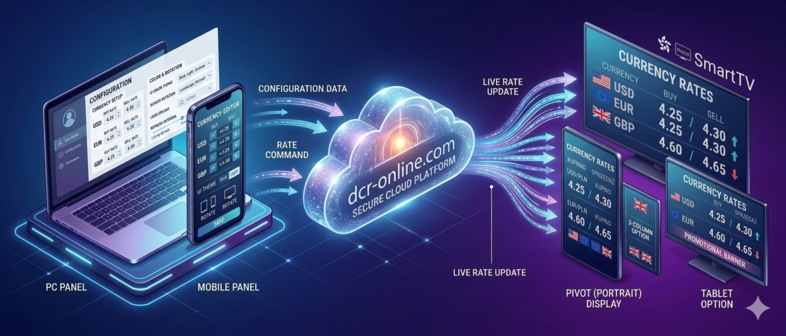
How it works – from panel to TV screen

Platforms and compatibility

We work on a wide range of Smart TV systems, set-top boxes and in browser mode. Compatible with horizontal and vertical screens.

Android TV / Tablet

The most widespread Smart TV ecosystem, supported by numerous manufacturers.

  • Sony
  • Philips
  • TCL
  • Sharp
  • Toshiba
  • Xiaomi
  • Hisense
  • Panasonic
  • Blaupunkt
  • Hitachi
  • JVC
  • KIVI
  • Kruger&Matz
  • Manta
  • Metz
  • Nokia
  • Skyworth
  • Strong
  • Telefunken
  • Thomson
  • Thomson

WebOS

Stable and polished Smart TV platform from LG, also made available to other manufacturers.

  • LG
  • AEG
  • Blaupunkt
  • Eko
  • Konka
  • Metz
  • Polaroid
  • Seiki
  • Zepson

Samsung Tizen

Stable and fast system used in Samsung televisions and selected partner brands.

  • Samsung
  • Akai
  • Bauhn
  • Linsar

Browser mode

Works on computers, televisions and set-top boxes that support modern browsers.

Most commonly used browsers:

  • Chrome
  • Edge
  • Firefox
  • Safari
  • Opera

On Smart TVs (built-in browsers):

  • Samsung Internet (Tizen)
  • LG Web Browser (WebOS)
  • Android TV Browser / Chrome
  • Opera TV
  • Firefox for TV (wybrane modele)

Just go to: dcr-online.com/tv

Older displays? You can use a set-top box (Android Box, Fire TV).

Pricing

30 days free trial with no commitment. During the trial you get access to all key service features.


Free

To get started or for private use

0$ / month

  • Display up to 3 currencies
  • Display currency rates on a maximum of 1 device (Smart TV, Tablet or computer)
  • Forex mid-rate updates every 60 minutes
Try now
Most popular

Standard

Enough for most use cases

8$ / month

  • Display any number of currencies
  • Display currency rates on a maximum of 3 devices (Smart TV, Tablet or computer)
  • Forex mid-rate updates every 10 minutes
Try now

Premium

Unlimited screens and frequently refreshed Forex mid-rates

14$ / month

  • Display any number of currencies
  • Display currency rates on any number of devices (Smart TV, Tablet or computer)
  • Forex mid-rate updates every 1 minute
Try now
Net price. 23% VAT should be added to the listed prices.
No notice period, bureaucracy or contracts – you only pay when you want to continue.

FAQ

Yes. Registration and the first 30 days of use are free. You can test our service with confidence.

1. Smart TV with internet access.
2. Installed and launched application (compatible with Android TV, Tizen, WebOS) available in the app store on your Smart TV or access to a web browser on the Smart TV.
3. Active account on dcr-online.com.

Install the application or use the browser on Smart TV:

1. Search for and install the application on the selected Smart TV system
      1.1. Android TV see 5.
      1.2. Tizen see 6.
      1.3. WebOS see 7.
2. Launch the browser on Smart TV. Available on every Smart TV. Then follow the instructions see 8.

Pairing Smart TV with an account allows currency rates to be displayed on the TV screen. Once the TV is paired with the account, you can display currency rates on the TV screen without logging in to the account.

On Smart TV open Google Play and search for the application named 'Display Currency Rates'.
Manufacturer: Sony, Philips, Sharp, Panasonic, Nokia, Xiaomi, Toshiba, Hitachi, TCL, Hisense, Telefunken, KIVI.
More details in the video below:

Search for the 'Display Currency Rates' application. After installation and launch, pairing works in the same way as for the Android TV application see 5.
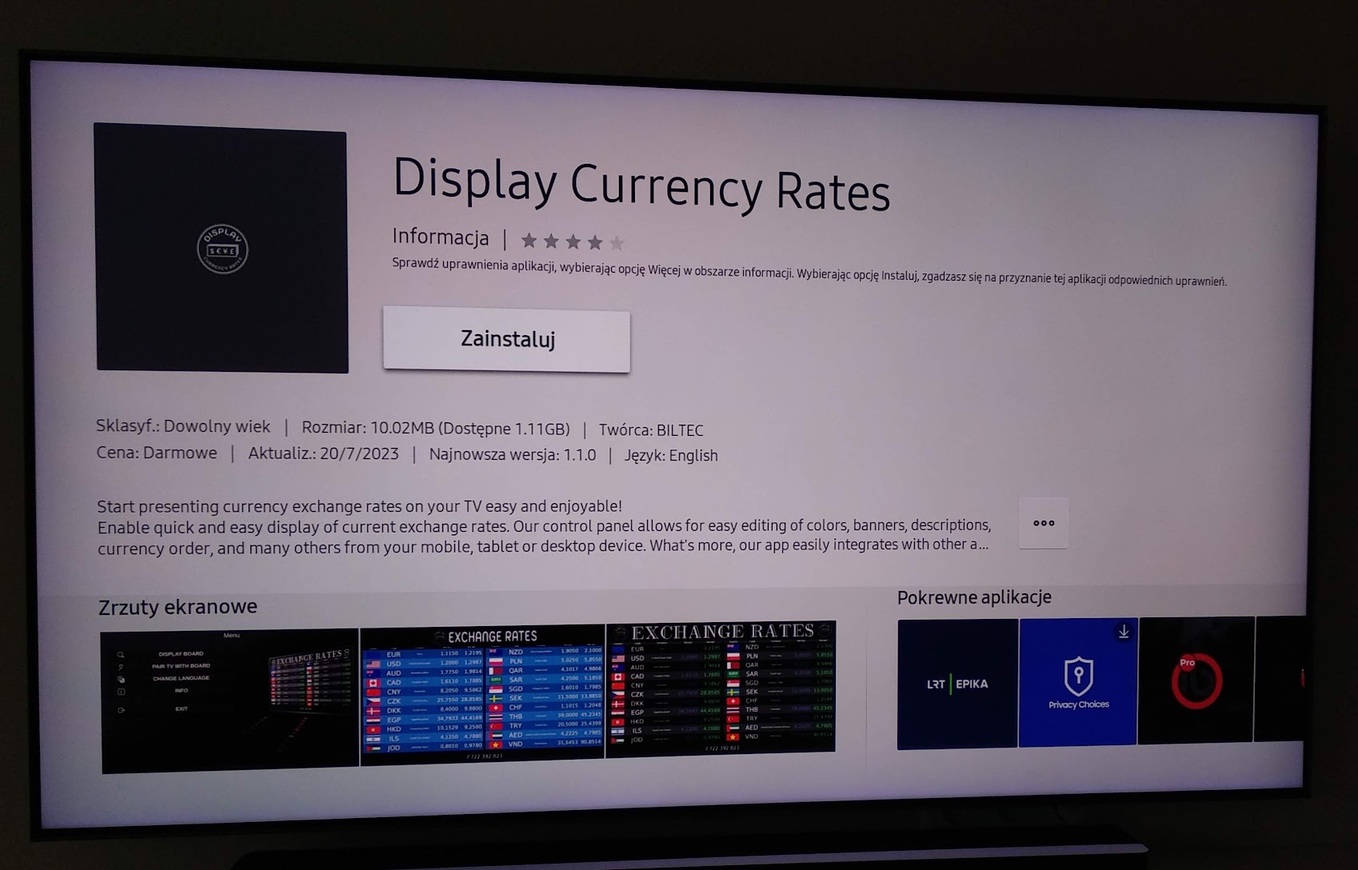
Manufacturer: Samsung

Search for the 'Display Currency Rates' application. After installation and launch, pairing works in the same way as for the Android TV application see 5.
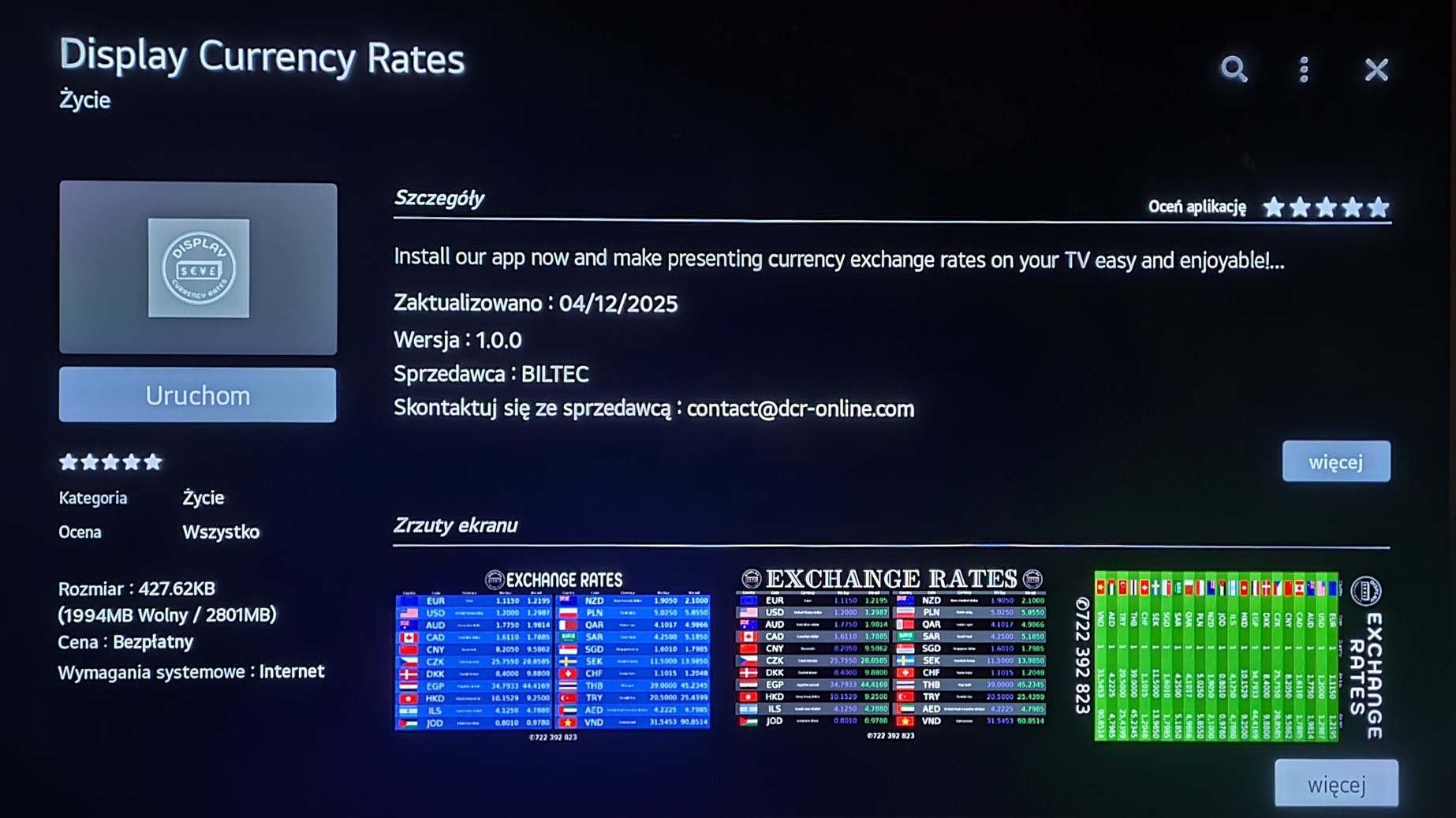
Manufacturer: LG

It is worth remembering the recommended browser settings:
      1. Full-screen mode so that the menu is not visible.
      2. Set the homepage to 'https://dcr-online.com/tv' so that you do not need to enter the address again on the next launch.
      3. Cookies and JavaScript enabled.
More details in the video below:

Our Android TV, Tizen and WebOS applications are configured to prevent the screen saver from activating during use. However, in some cases, when the television does not detect changes in the image (which may happen when displaying static content), the screen saver may still activate. To avoid this, we recommend disabling the screen saver in the television settings or enabling demo mode, if available. These steps will help prevent unwanted screen blanking while using the application.

Tip: colourful, high-contrast screens attract more attention and increase conversion — use colour accents in banners and currency headers.

Get started in 5 minutes

Pair the screen, choose currencies, set the brand. The rest happens automatically.

Ready to try? Try 30 days free