Exchange offices and currency desks
- Buy and sell mode
- Rates calculated from mid-market rates
- Import from your exchange software
- Manual editing in the online panel

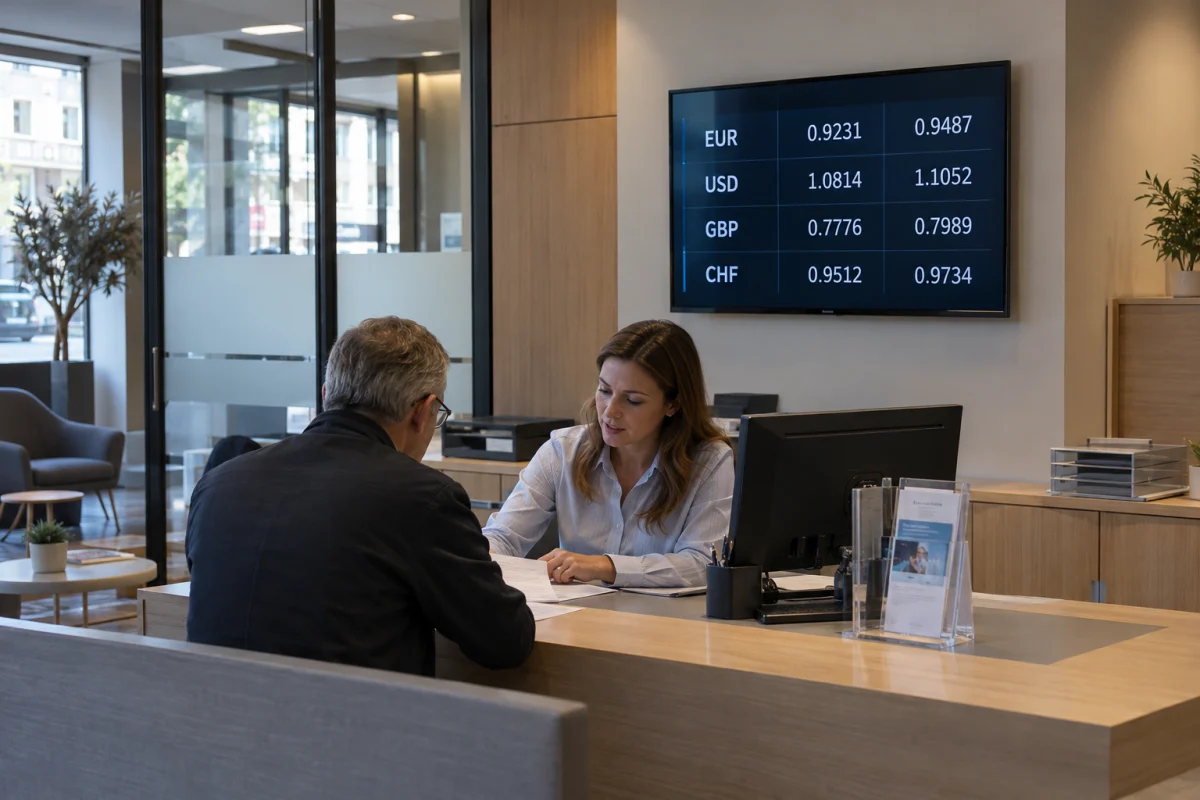
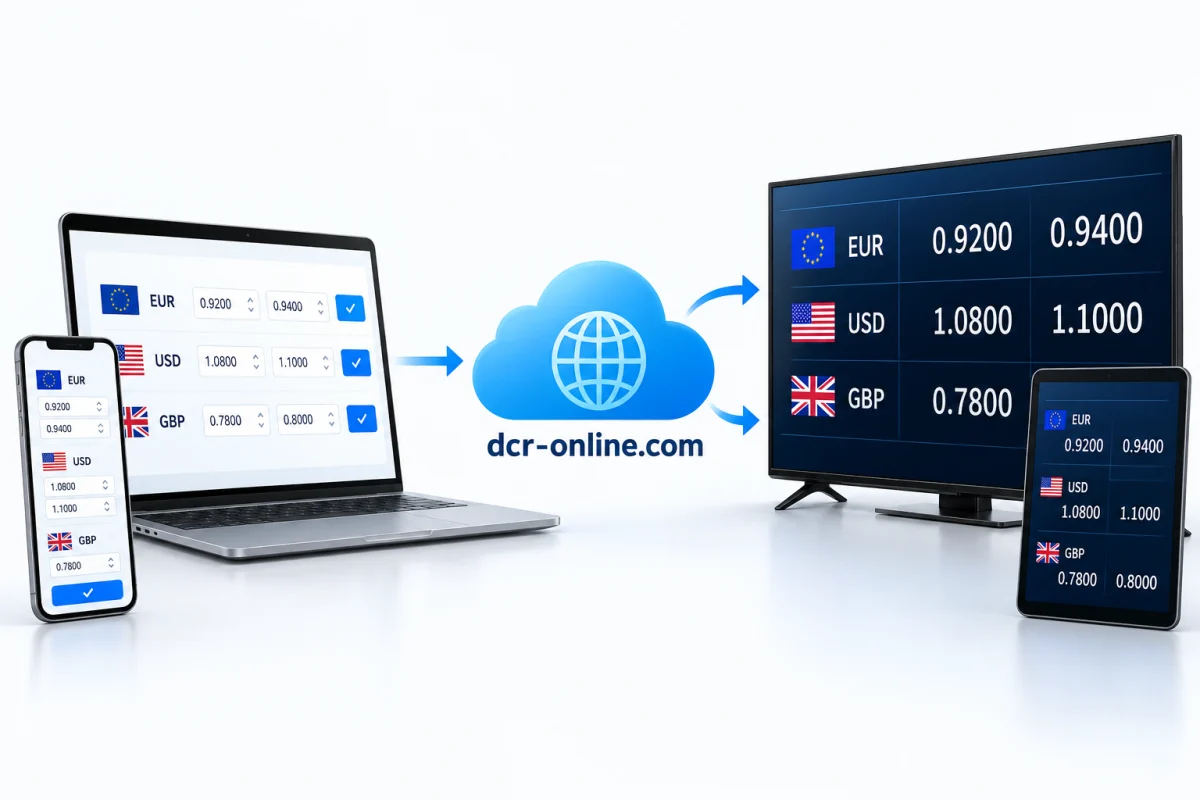
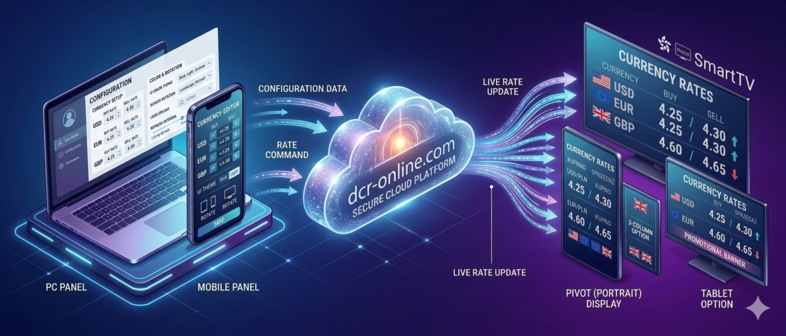
Turn a TV, monitor or tablet into a currency rate board for an exchange office, hotel or service desk. Manage buy and sell rates online, connect your data source and match the layout to your brand.
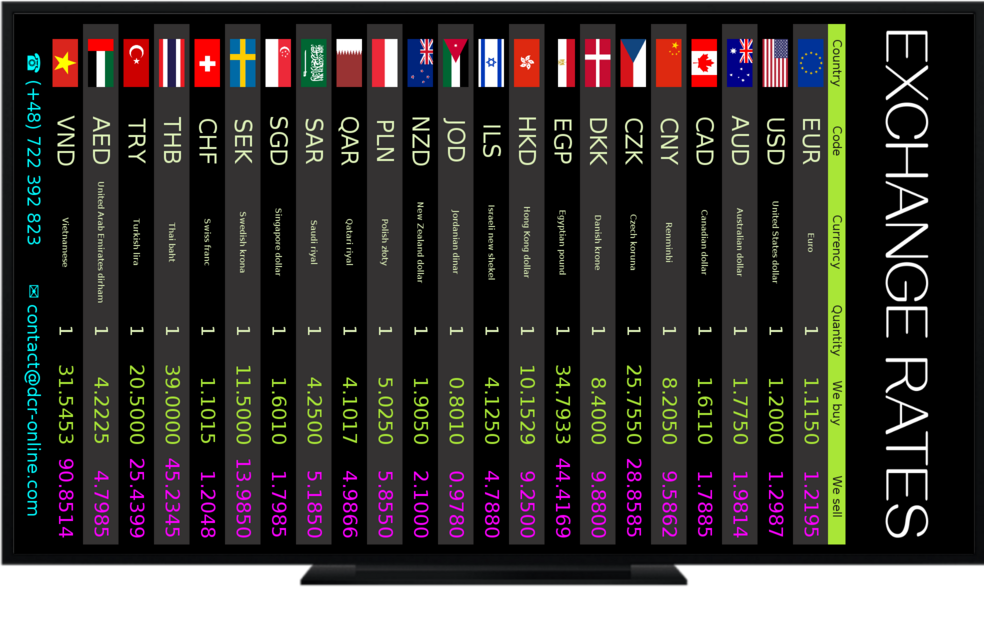
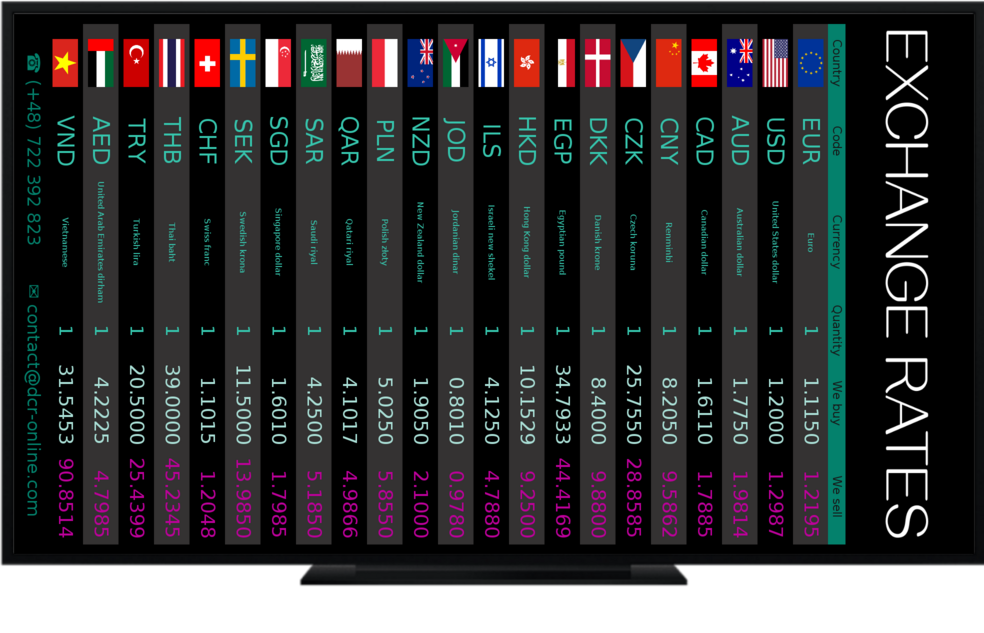
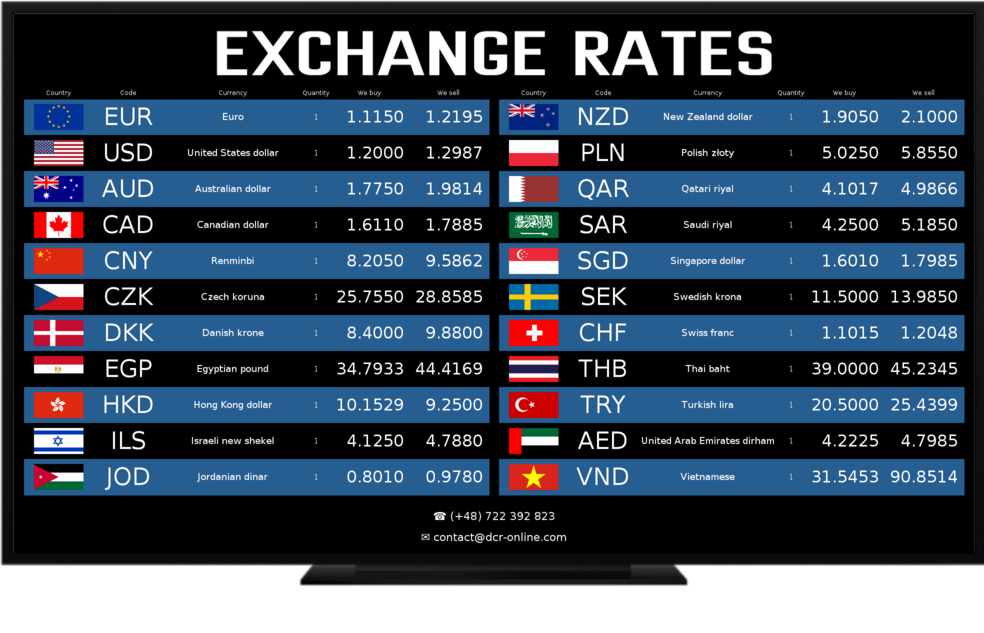
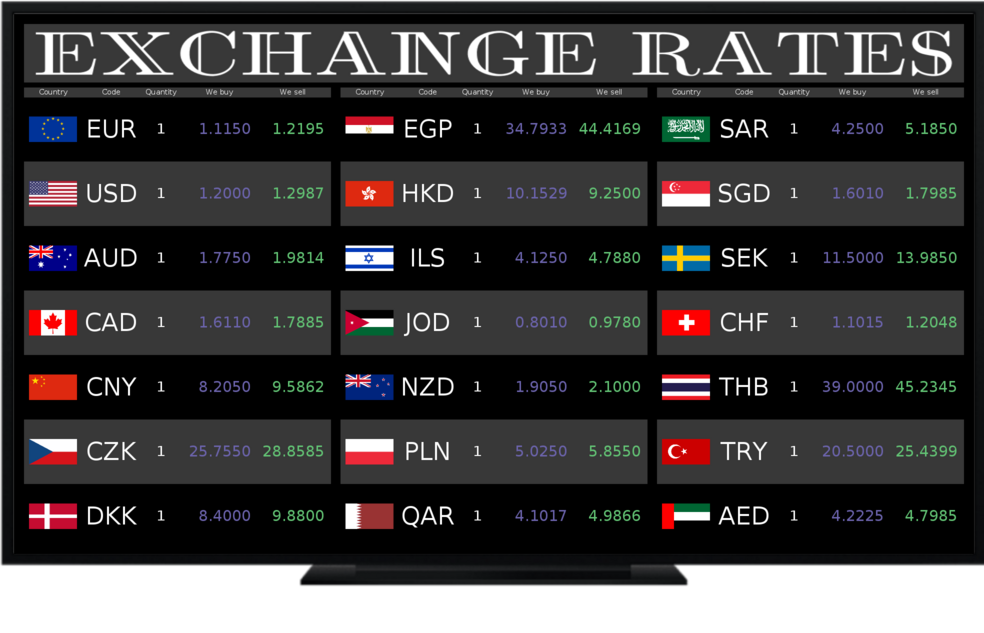
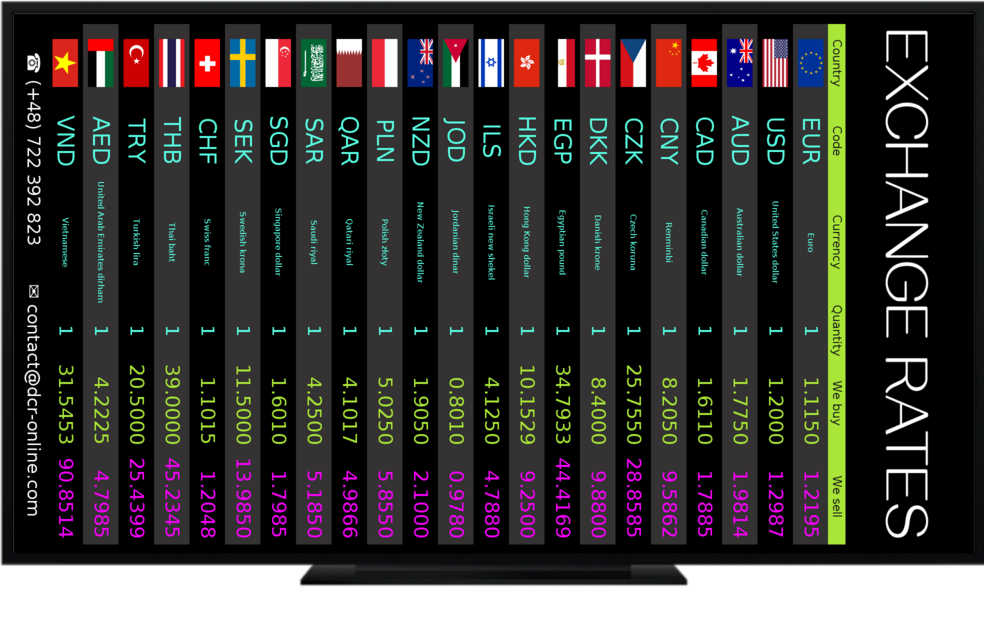
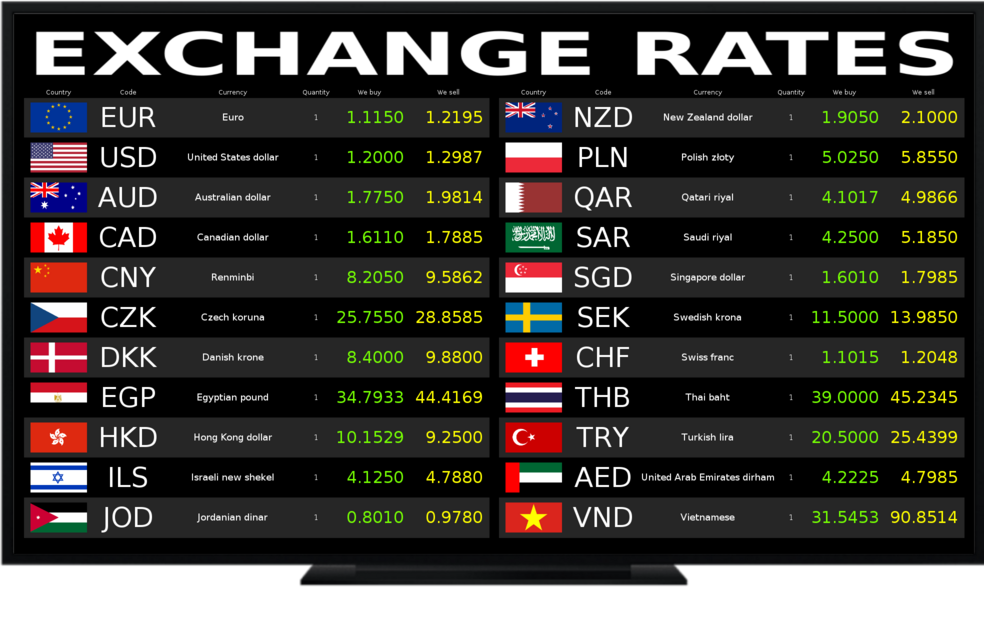
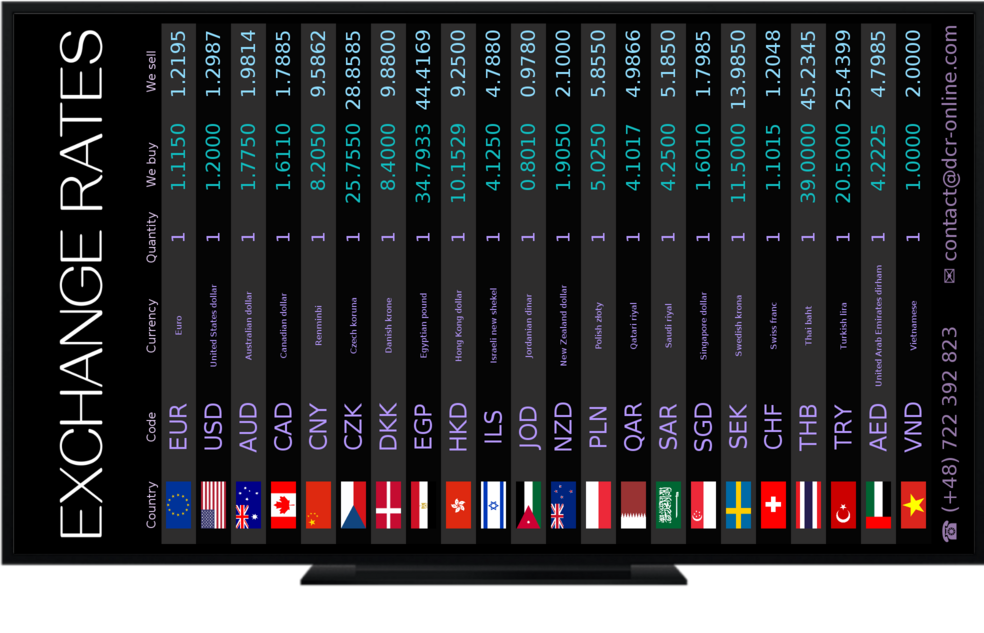
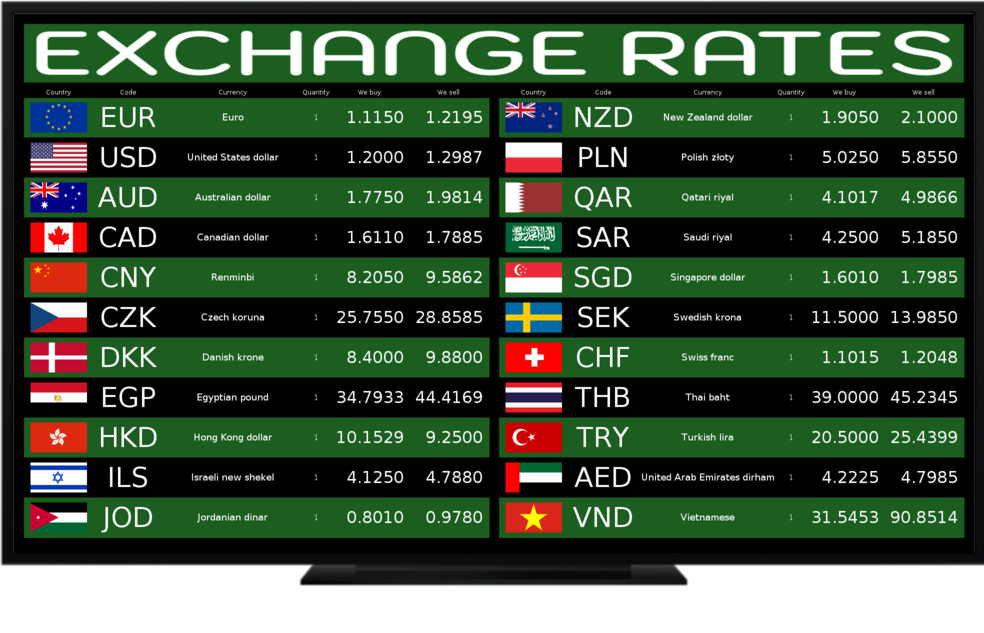
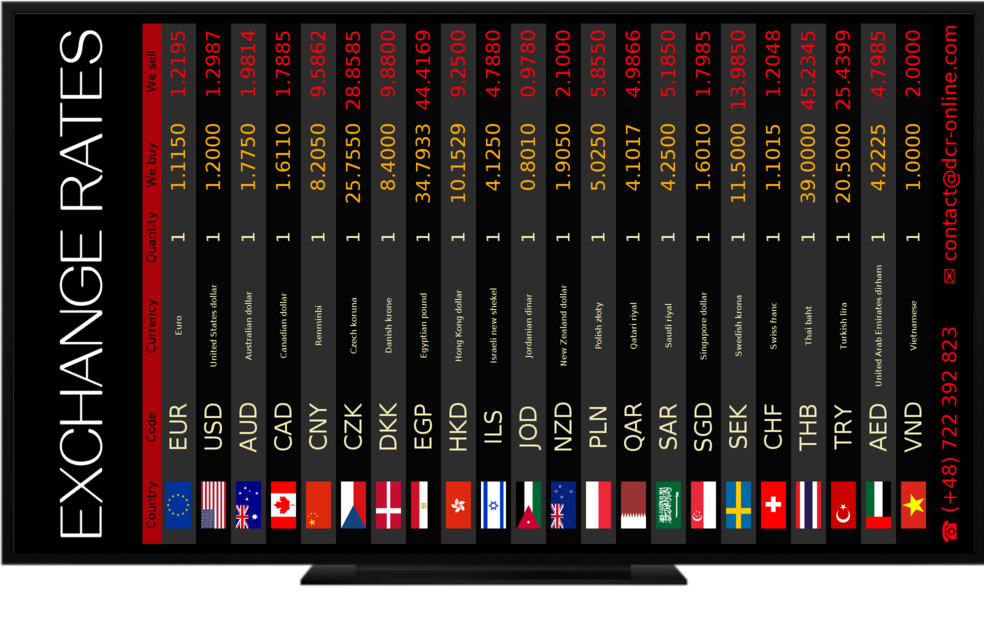
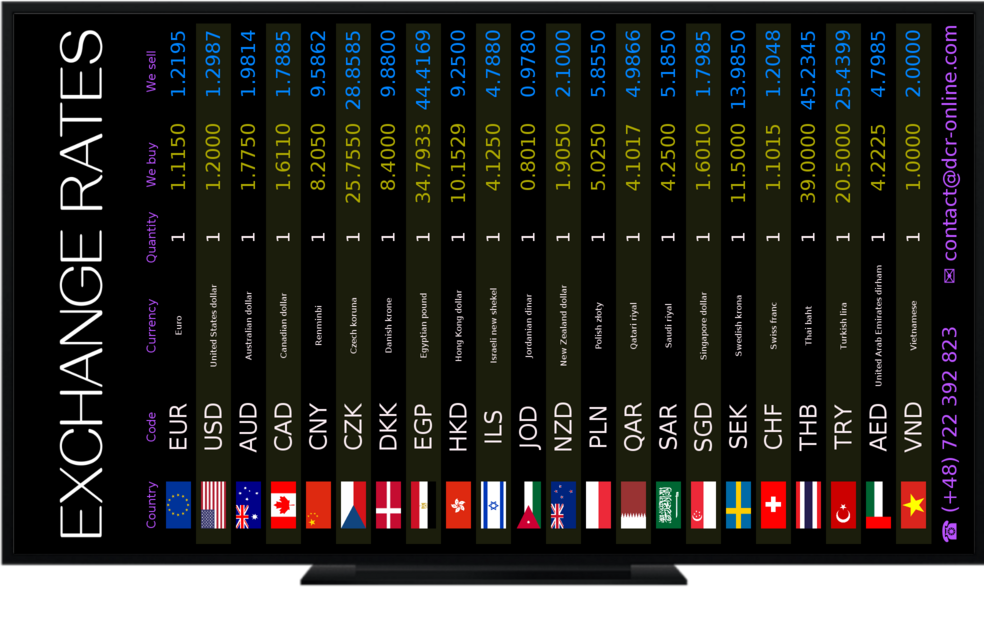
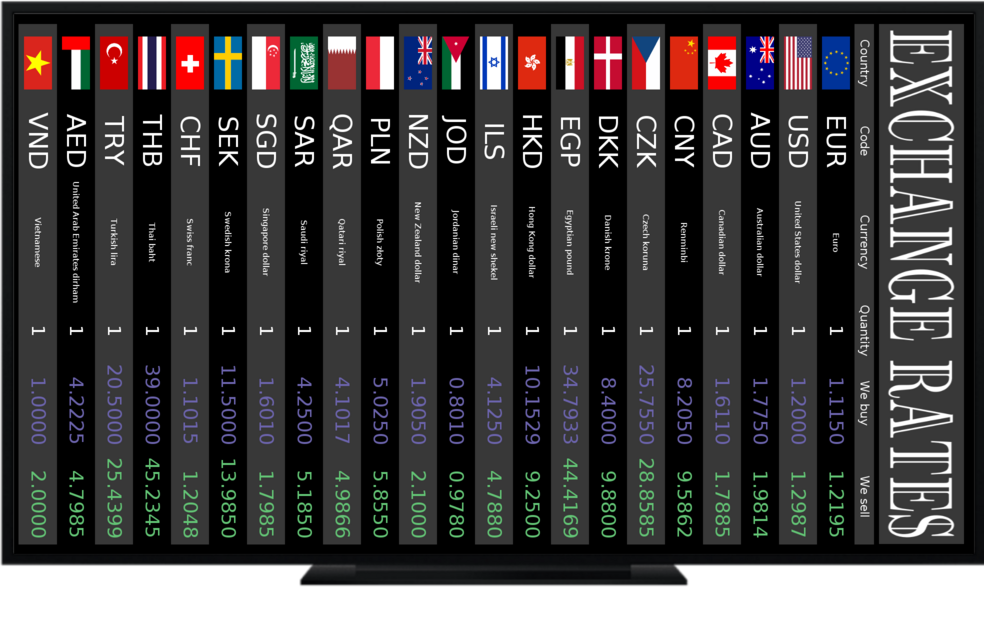
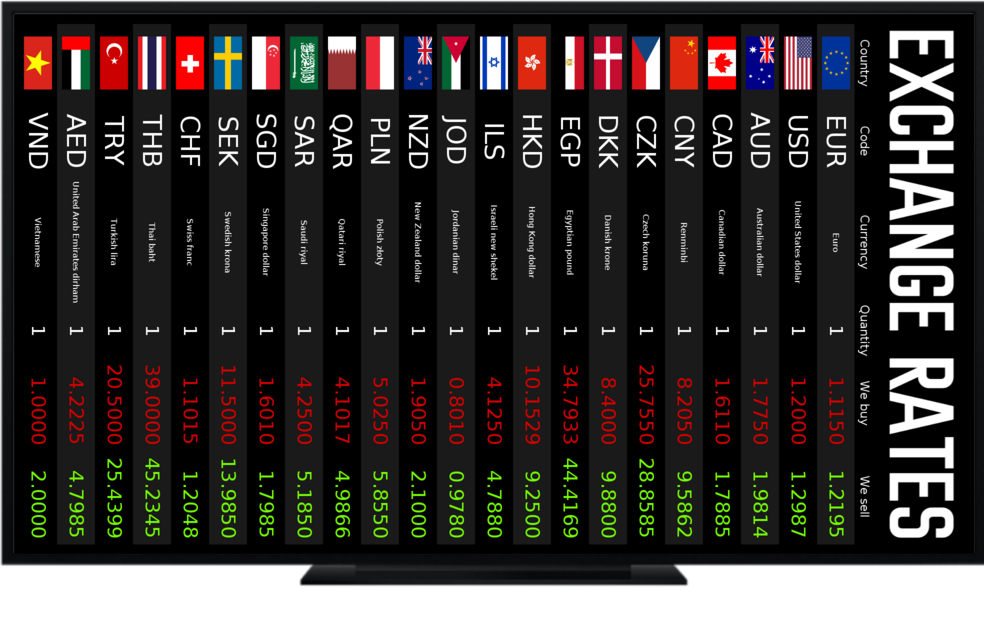
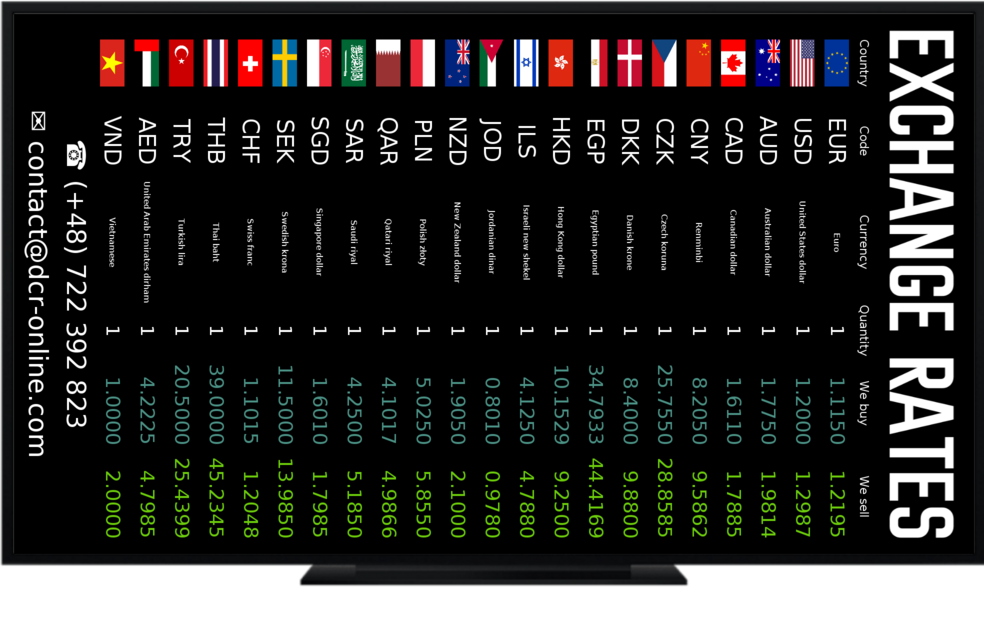
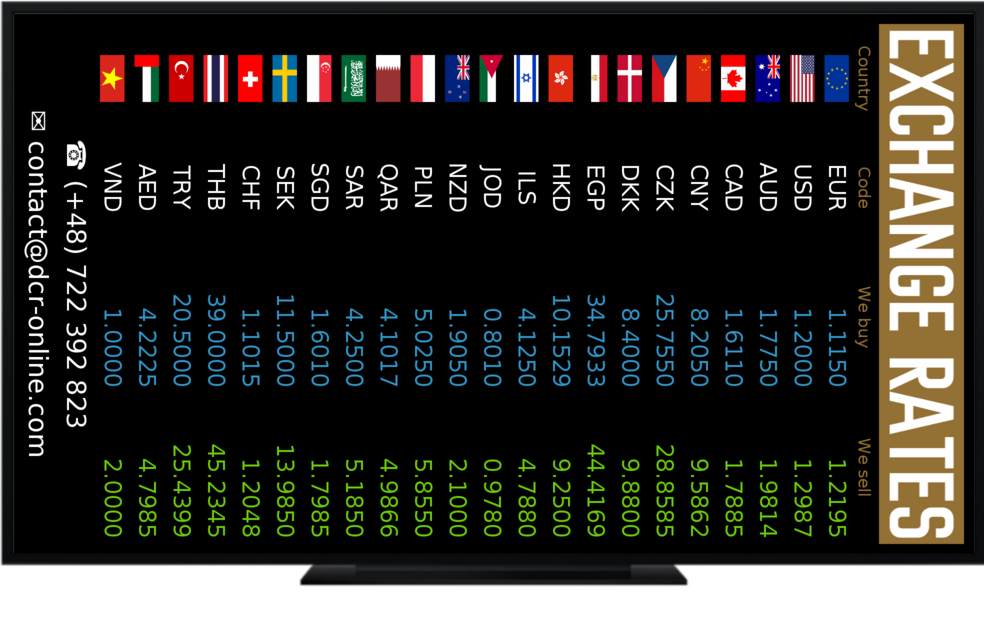
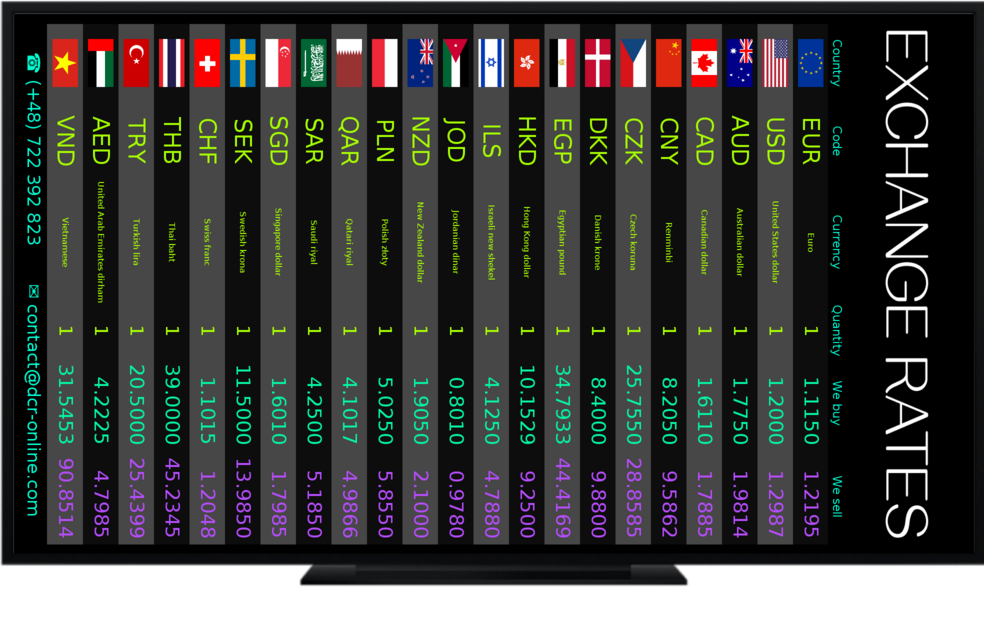
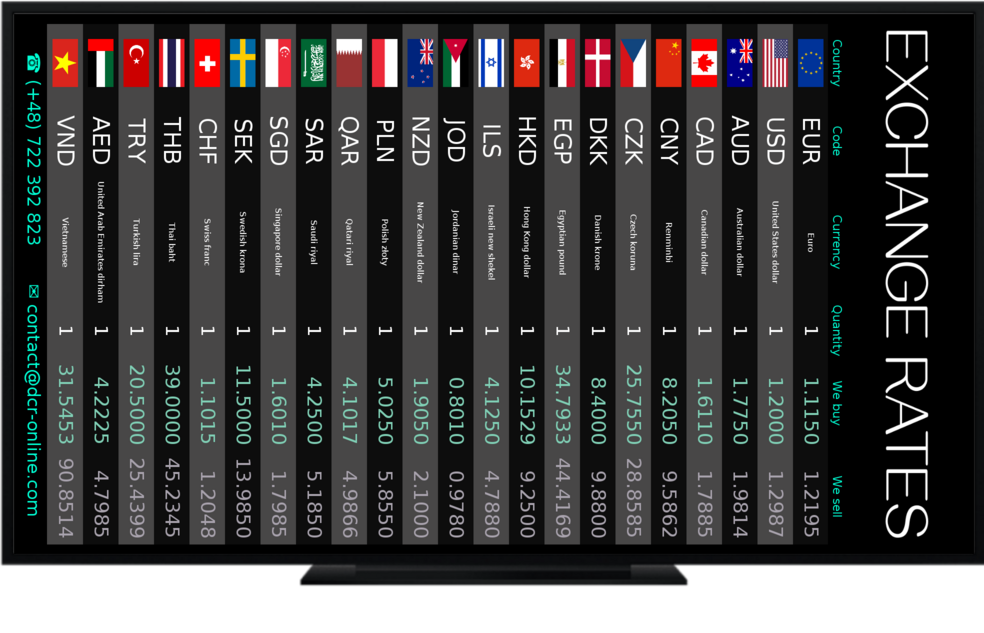
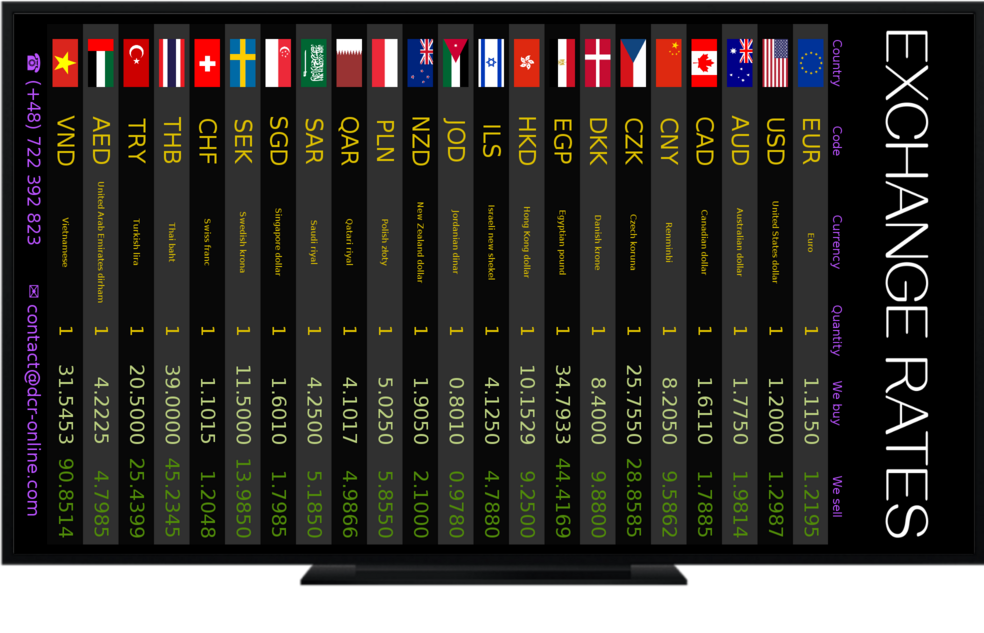
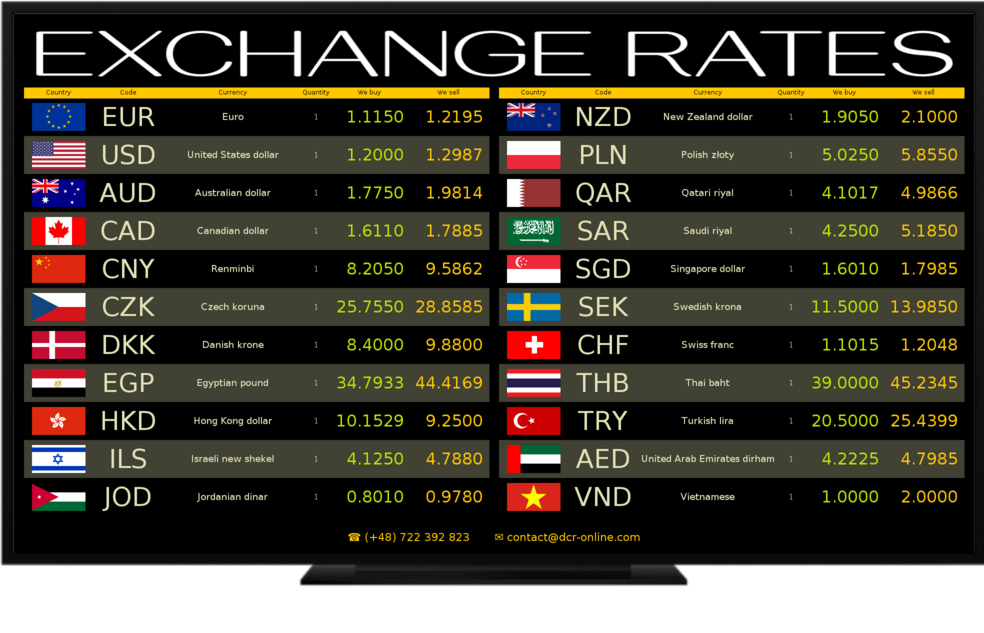
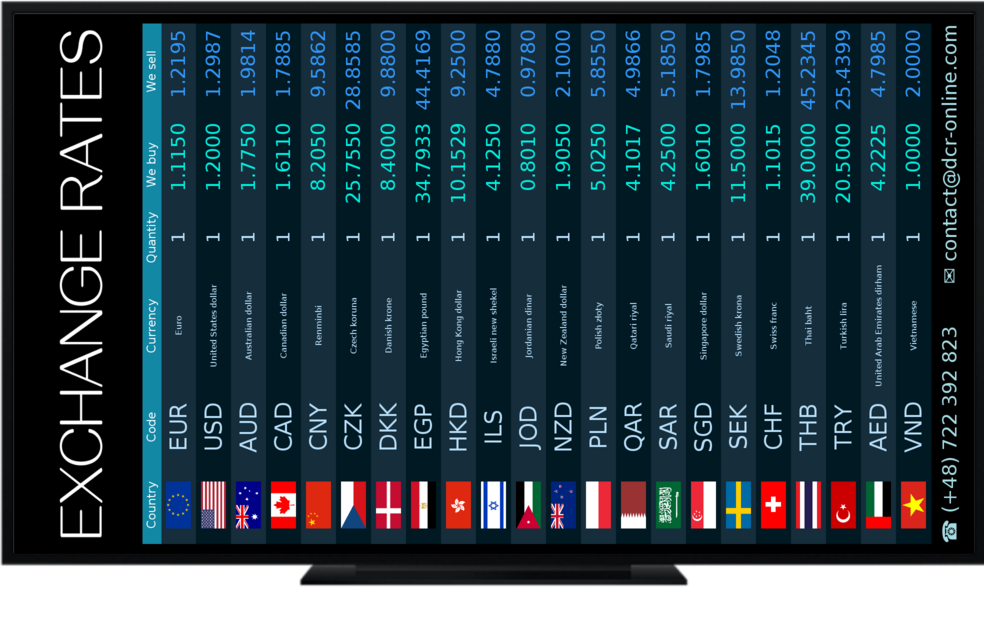
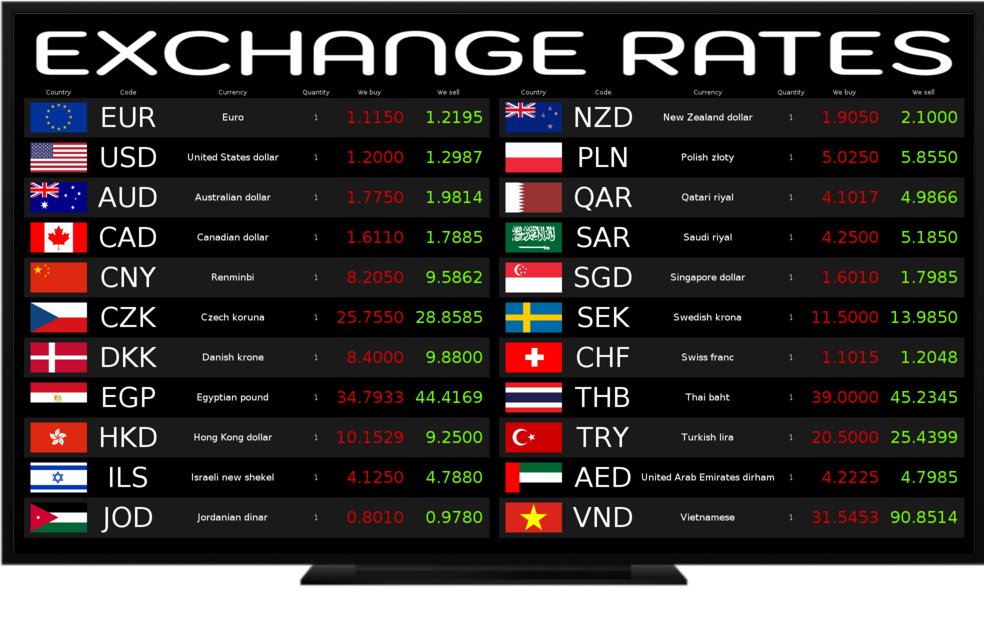
Choose currencies, set rates and adapt each screen to your business. DCR Online combines clear displays with convenient online management.
Set mid-market updates from every 60 minutes in Free to every minute in Premium.
Enter your rates, import a file or calculate them from mid-market rates using your own adjustments.
Add your logo and banner, choose colours and set a portrait or landscape layout.
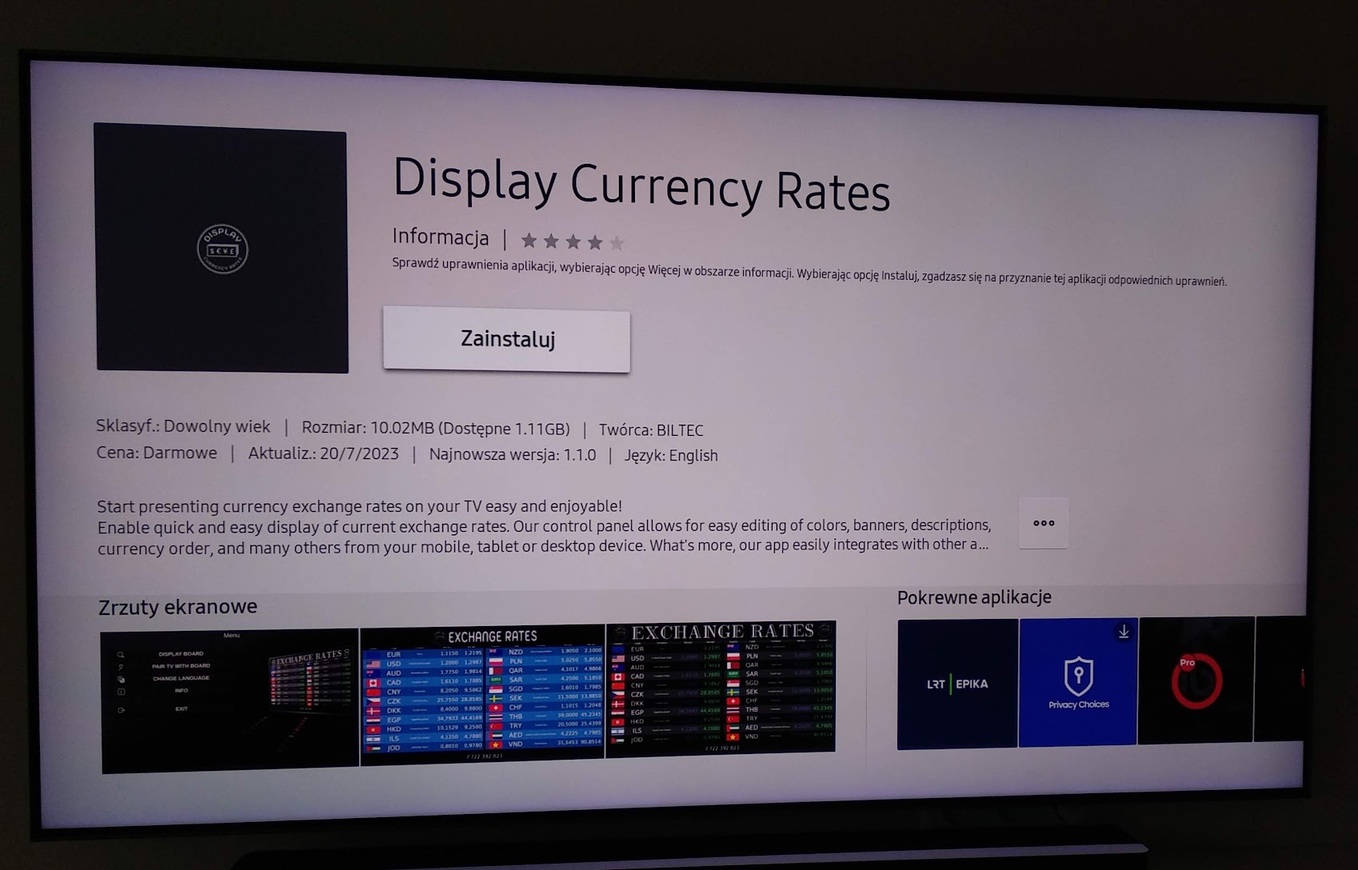
Use apps for Android TV, Samsung Tizen and LG webOS, or display the board in a browser.
Choose currencies and set their order, labels and decimal places.
DCR Integrator reads buy and sell rates from TXT, CSV, XML, HTML files or a selected website.


Run your board in a TV app or browser. Check the device operating system and app availability on your model before buying a screen.
An app for Android TV screens and streaming boxes, plus Android tablets. Pair the device with your account after starting it.
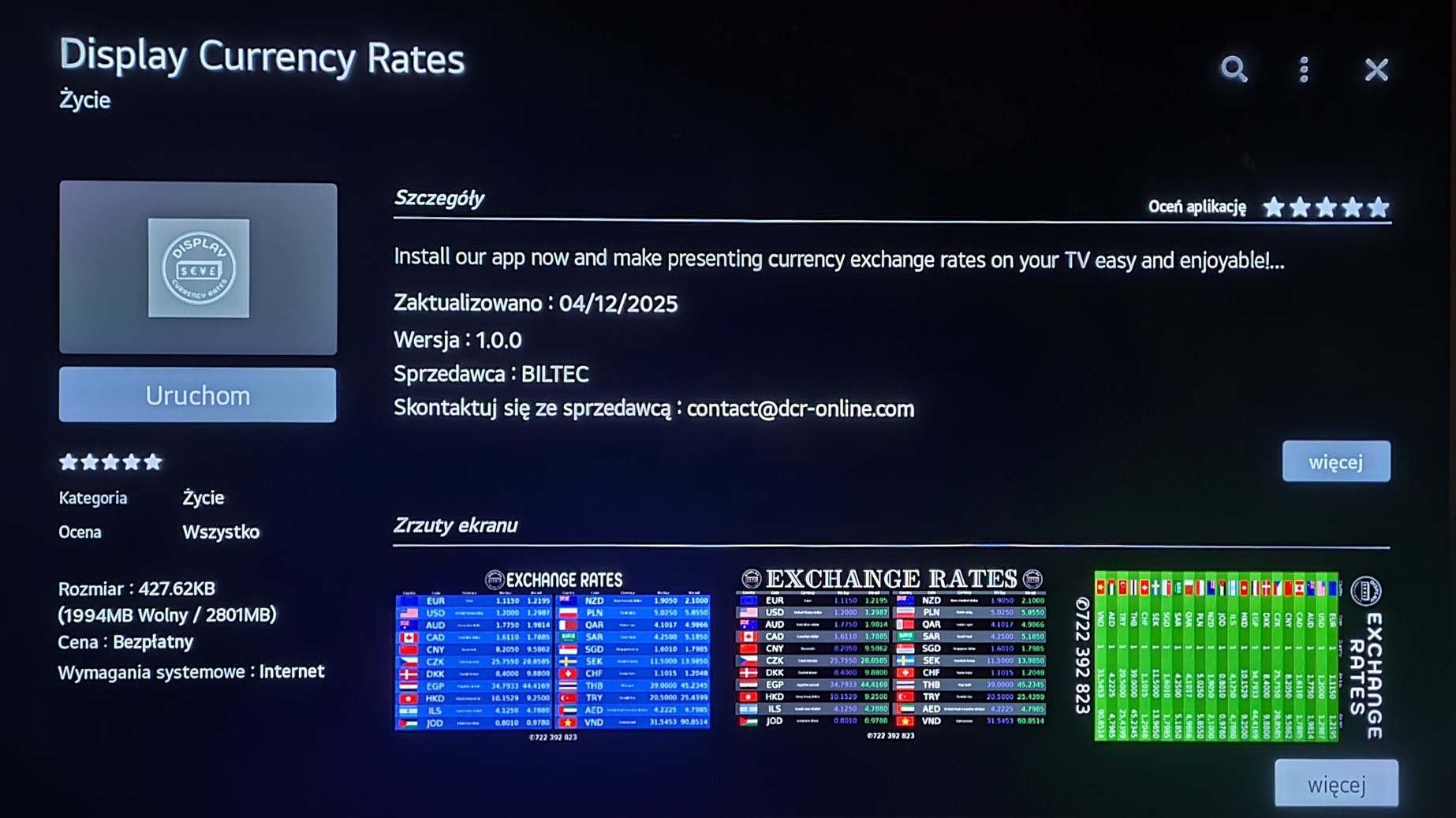
An app for supported webOS TVs. Check for Display Currency Rates in the store on your device.
An app for supported Samsung Tizen TVs. Find Display Currency Rates in your TV app store.
Open the board in an up-to-date browser on a computer or compatible device, then use full screen.
Most commonly used browsers:
Just go to: dcr-online.com/tv
30 days free to test. Compare currencies, device limits and automatic mid-market rate update frequency.
A simple board with three currencies
For a business with several screens
For many screens and frequent updates
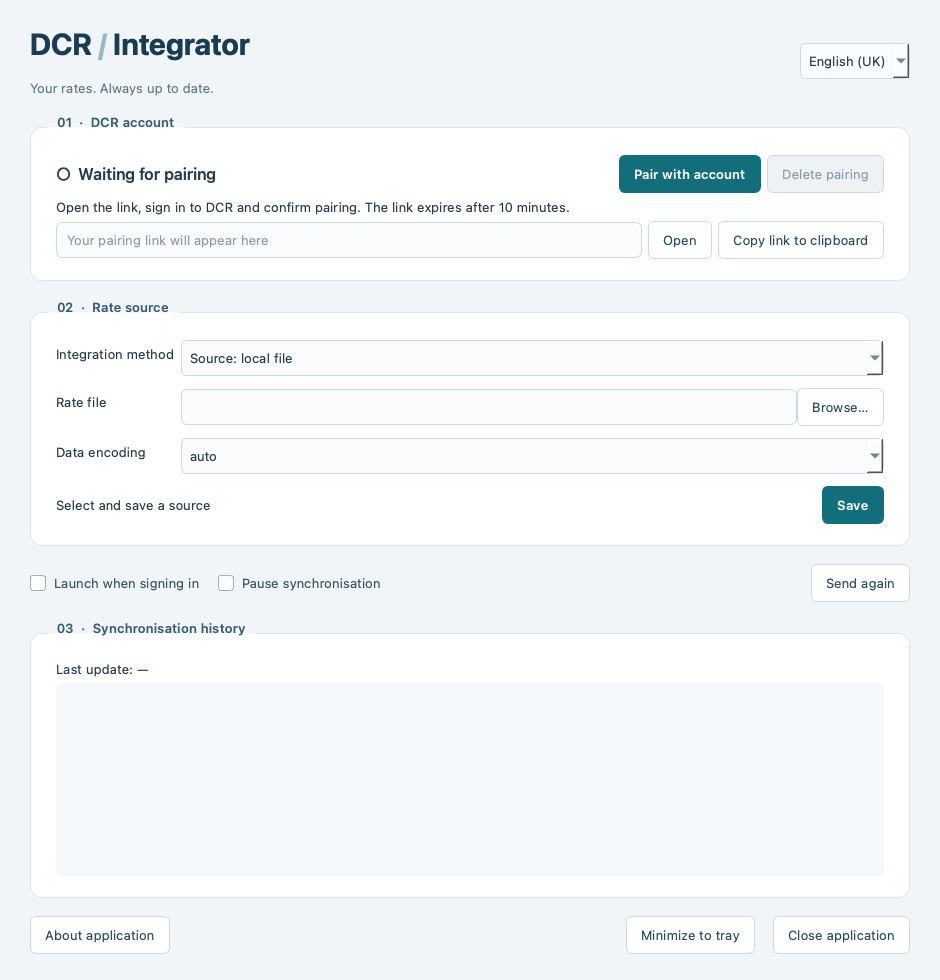
DCR Integrator is an app for Windows, Linux and macOS that reads rates from a local file or URL and automatically sends changes to DCR. It runs in the background, so you do not have to enter rates manually each time.
That’s it — the integrator will start automatically when you sign in and keep your rates updated. The computer must be on, and the app needs access to the rate source and the internet.
Unsure about your device or rate source? Contact us with the device model and how rates are shared.
Create an account, choose currencies and pair a device. You have 30 days to test the layout and rate updates.